 TapTales
How to make a memory book your child can hear
A memory book is a handful of photos from one day or one season, in order, with a line or two about each. Small children love them because they're about them. What makes one they'll go back to on their own is hearing it told by someone they love. You choose the photos, tell each one out loud, and your child taps from page to page by themselves, even before they can read.
What you'll need
- An iPhone or iPad with TapTales.
- Between four and eighteen photos from one memory, already in your Photos library.
- A quiet ten minutes to talk.
Photos on the tiles are part of TapTales Plus. Recording in your own voice is free for your first three stories.
1. Pick the memory, then the photos
Choose one thing that happened: the beach day, the first birthday, the week at Grandma's. Then pick one photo for each moment, in the order it happened. Fewer is better. Six to ten pages is about right for a two- or three-year-old. Favour photos where your child can see what's going on: their face, the cake, the dog, the wave.
2. Start a story, tile by tile
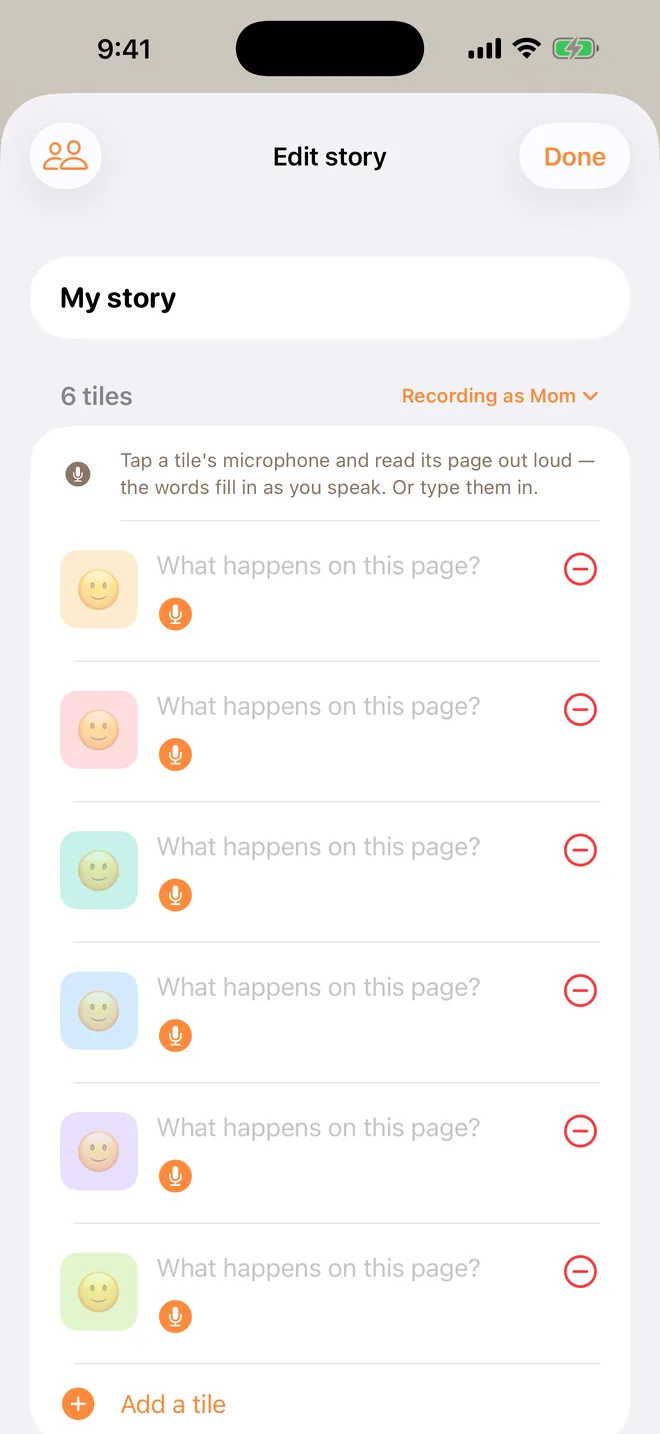
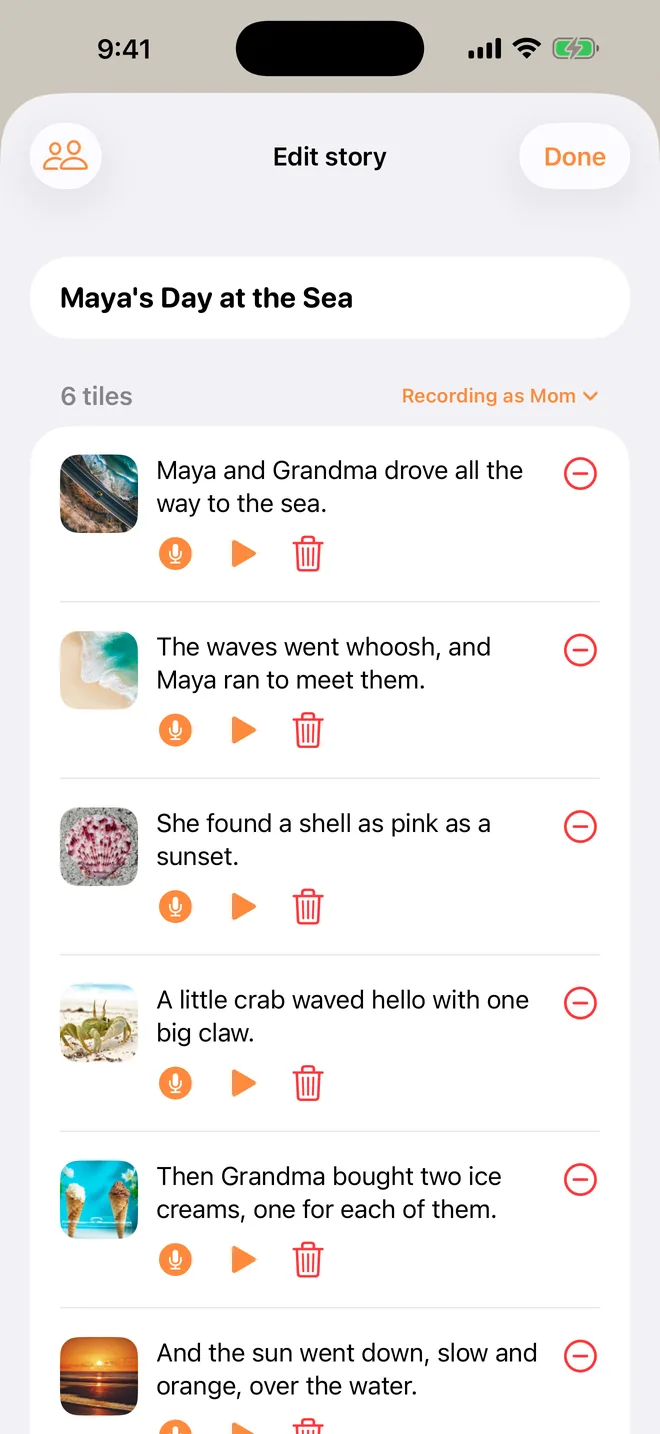
In TapTales, tap + on the shelf and choose Tile by tile. Set the number of tiles to the number of photos, and tap Start. Give the story a title at the top: "The day we went to the beach" works better than "Beach".

3. Put a photo on each tile
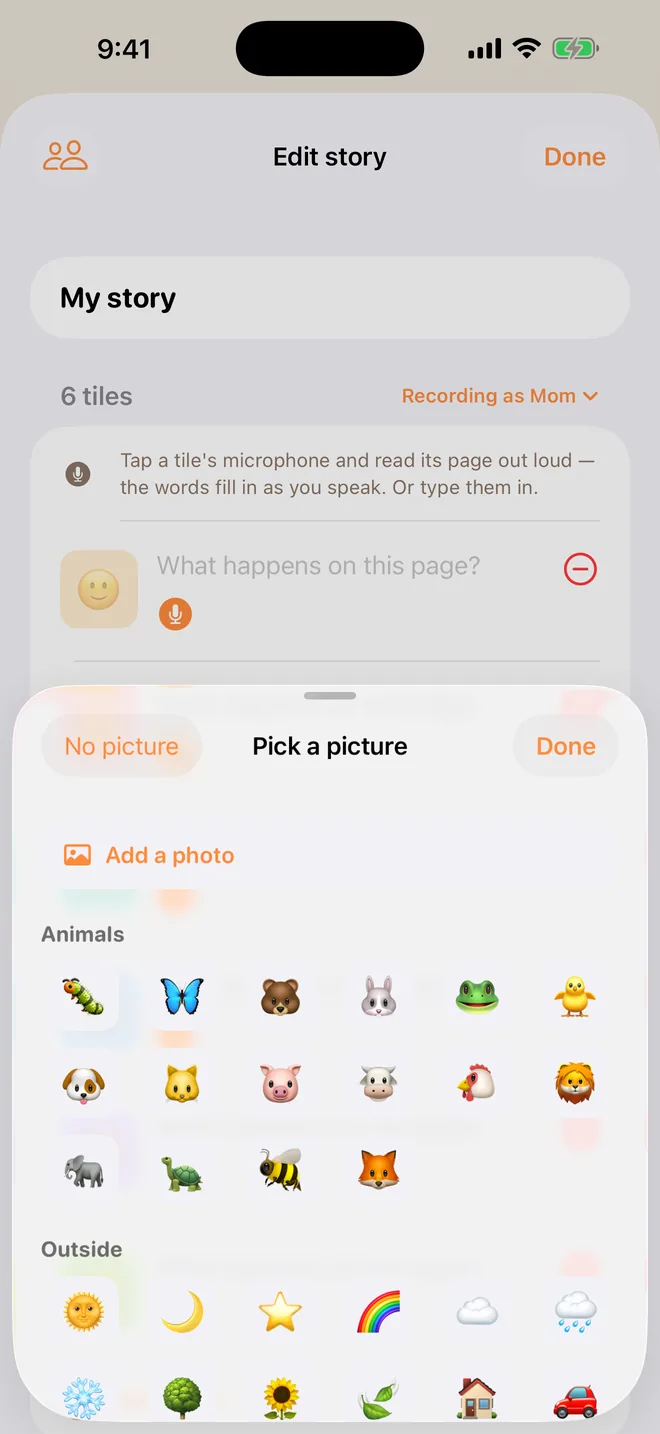
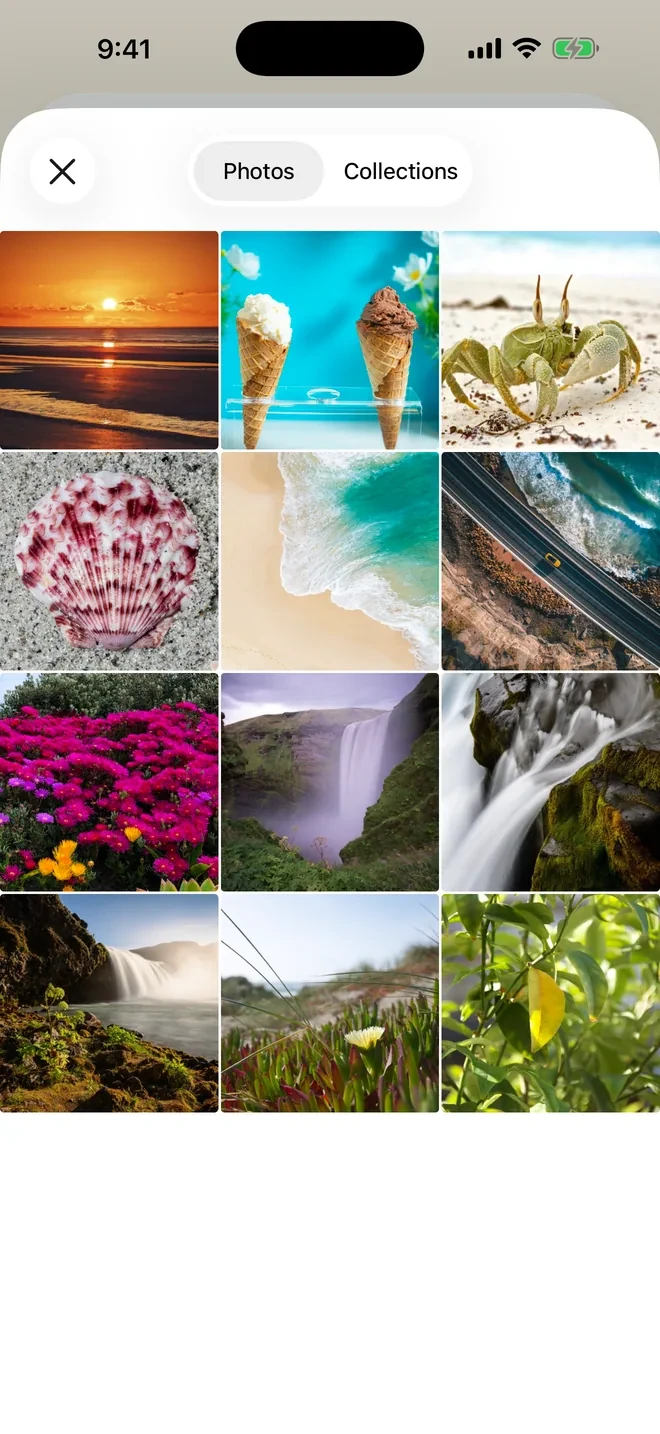
Tap a tile's picture, then Add a photo, and choose the photo for that page. Work from the first tile to the last so the order matches the day. To reorder later, press and hold a tile and drag it.
4. Tell each photo out loud
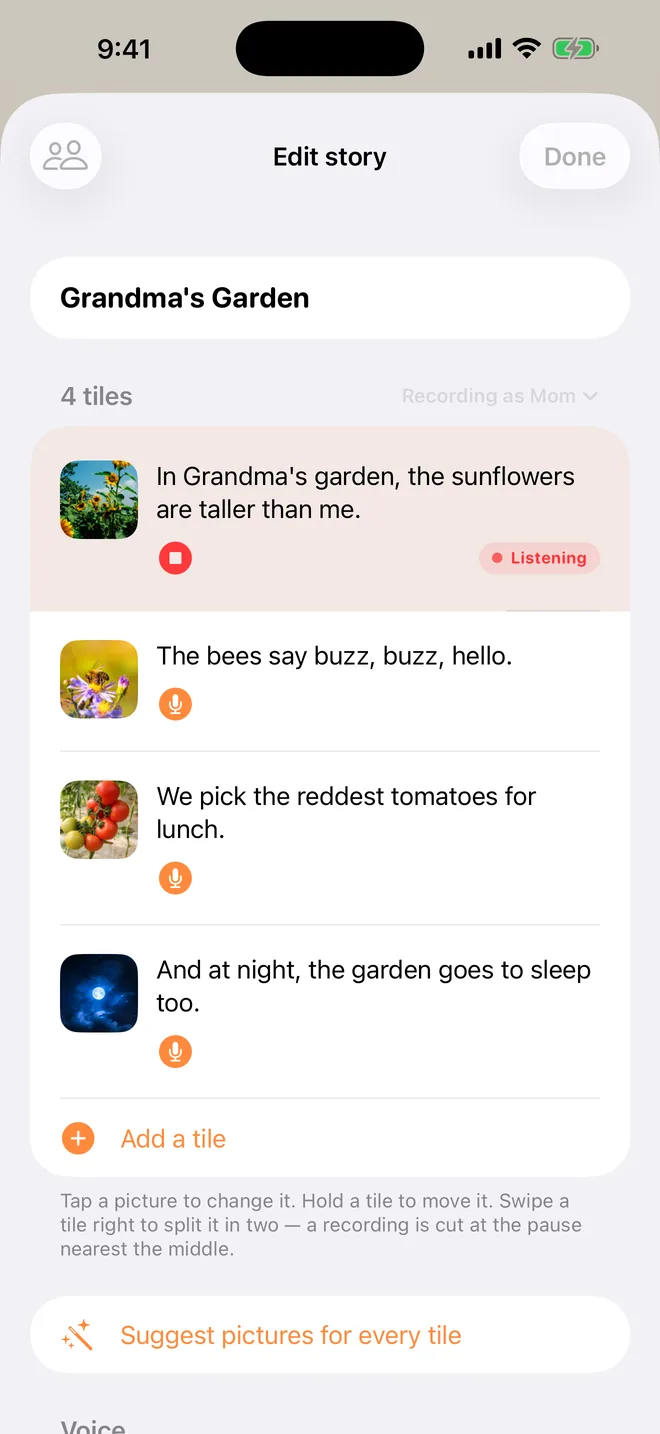
Tap the microphone on the first tile and talk about that photo, the way you would if your child were on your lap. Tap stop when you're done. The words fill themselves in as you speak, so there's nothing to type. Then do the next tile. If you tap another tile's microphone while you're recording, TapTales finishes the one you're on and starts that one.
A few things that make it land:
- Talk to them, not about them. "Remember the big wave? You ran so fast!" rather than "Maya ran from the wave."
- Use their name, and everyone else's. The dog, the cousin, the ice-cream man.
- One or two sentences a page. Your child is waiting to tap the next one.
- End on the way home, or bedtime. Memory books make good bedtime stories, so give it an ending that winds down.
5. Hand it over
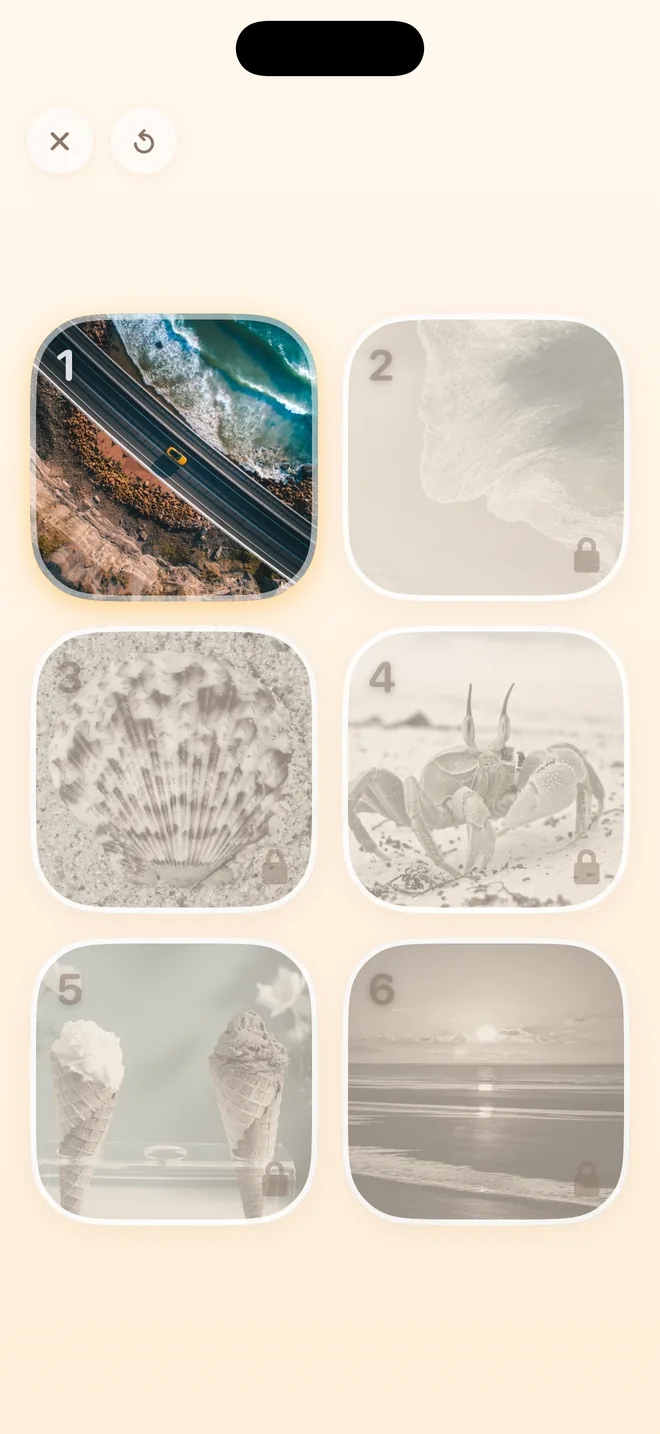
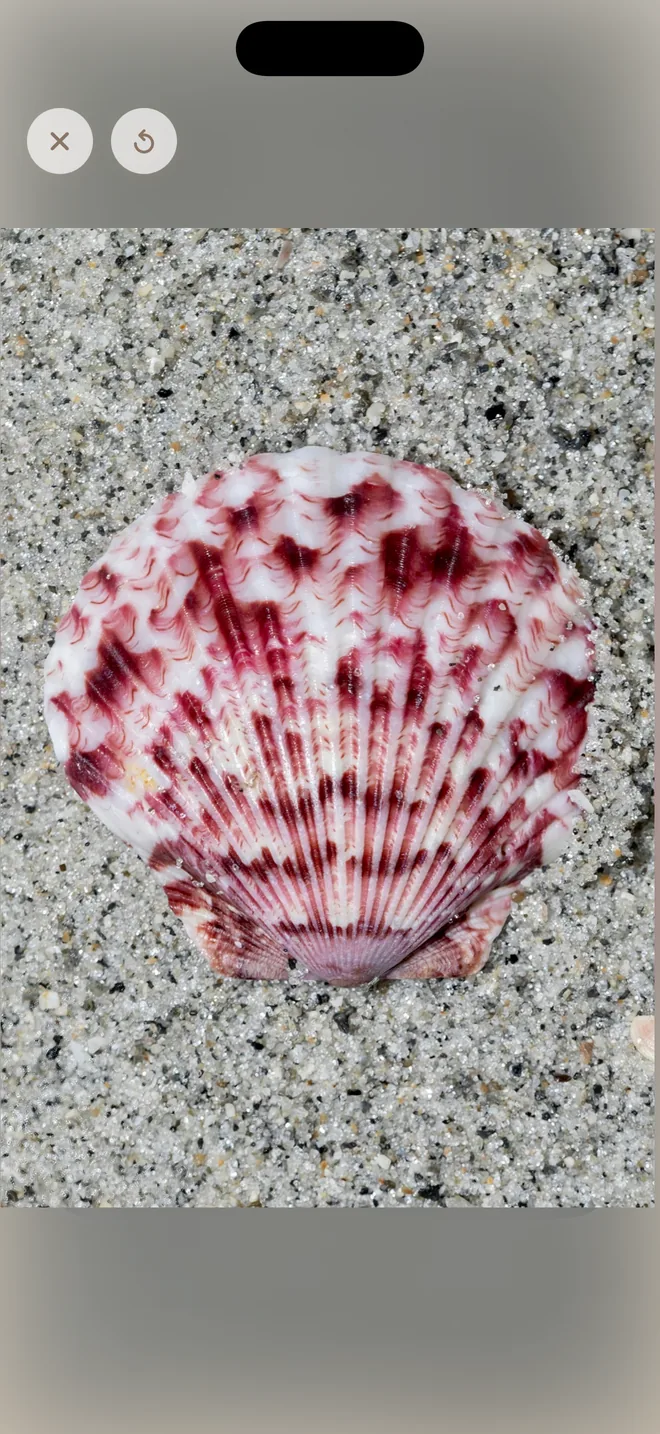
Close the editor and the story is on the shelf. Tap Read and give your child the phone. Only the next tile is lit, so there's nothing to get wrong. When they tap it, the photo grows to fill the screen while you tell that page, then settles back onto its tile. Pages they've already heard stay open to hear again.
6. Let the rest of the family add their voice
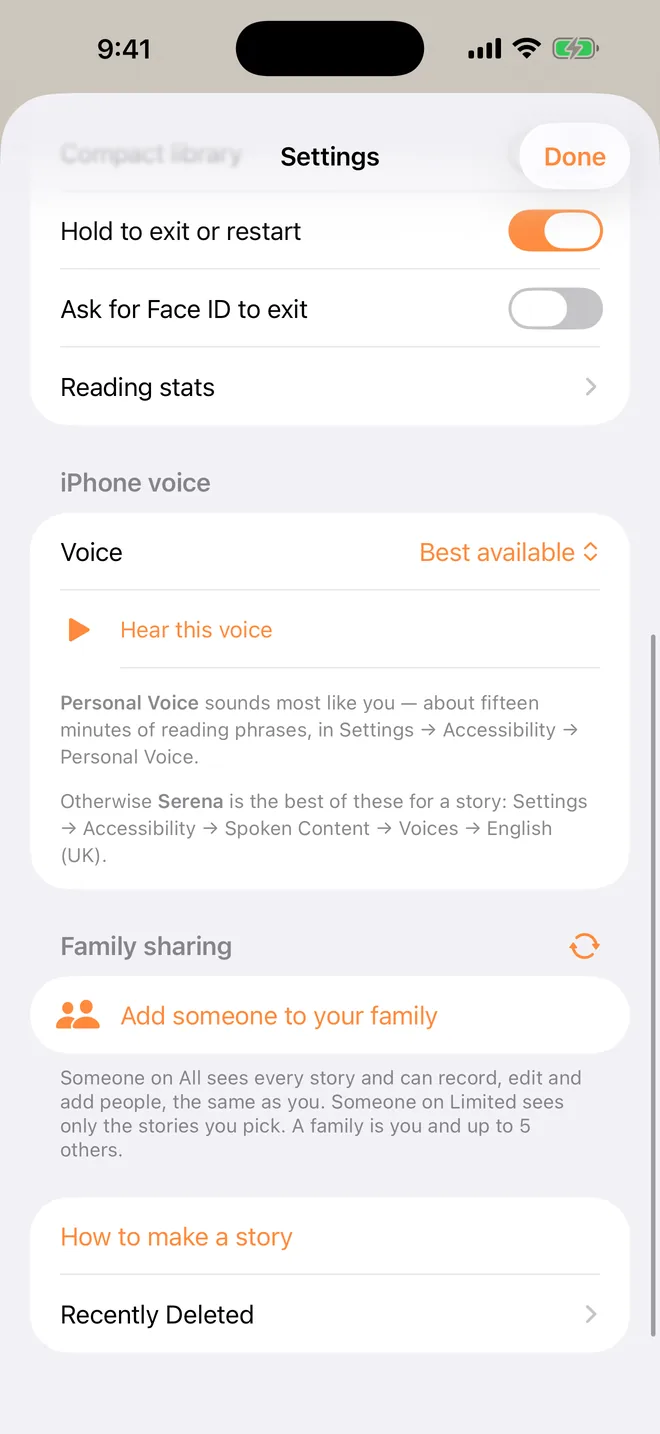
If Grandpa was there too, he can tell the same pages in his voice, from his own phone. Add him to your family in Settings → Family sharing. Your child then picks who reads it tonight.
7. Keep it
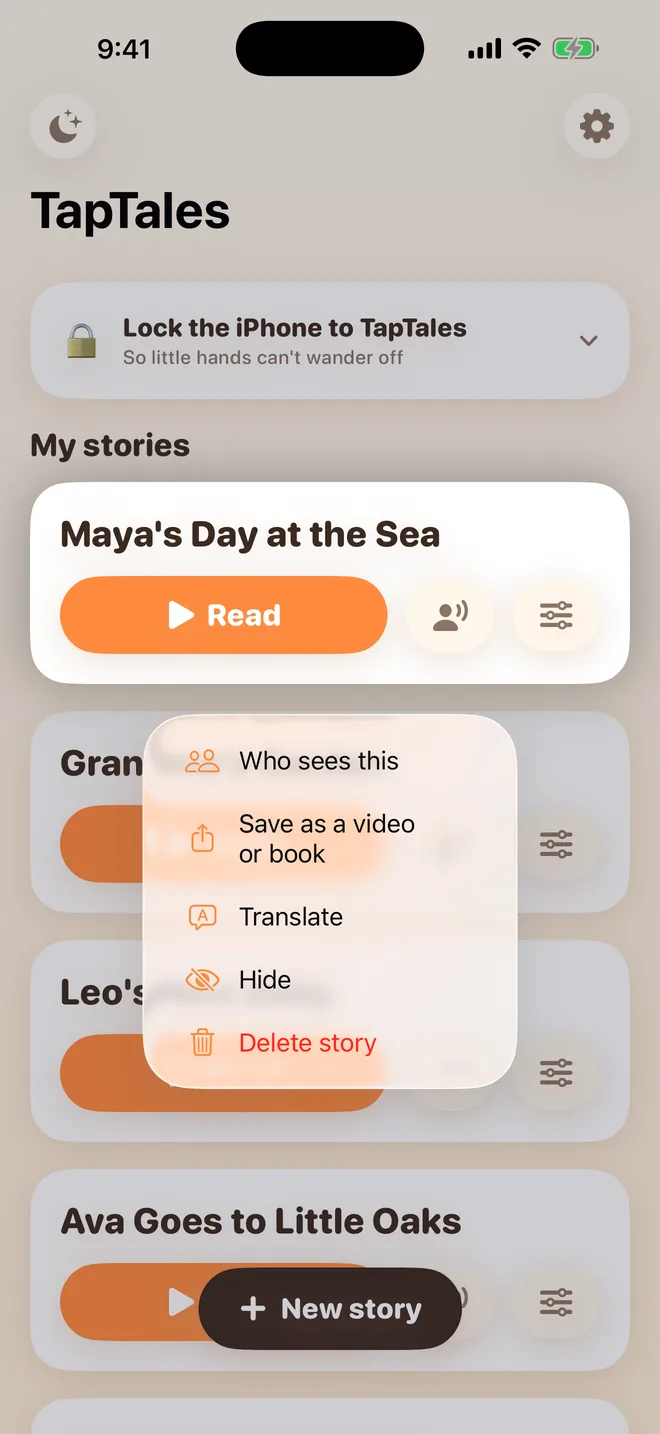
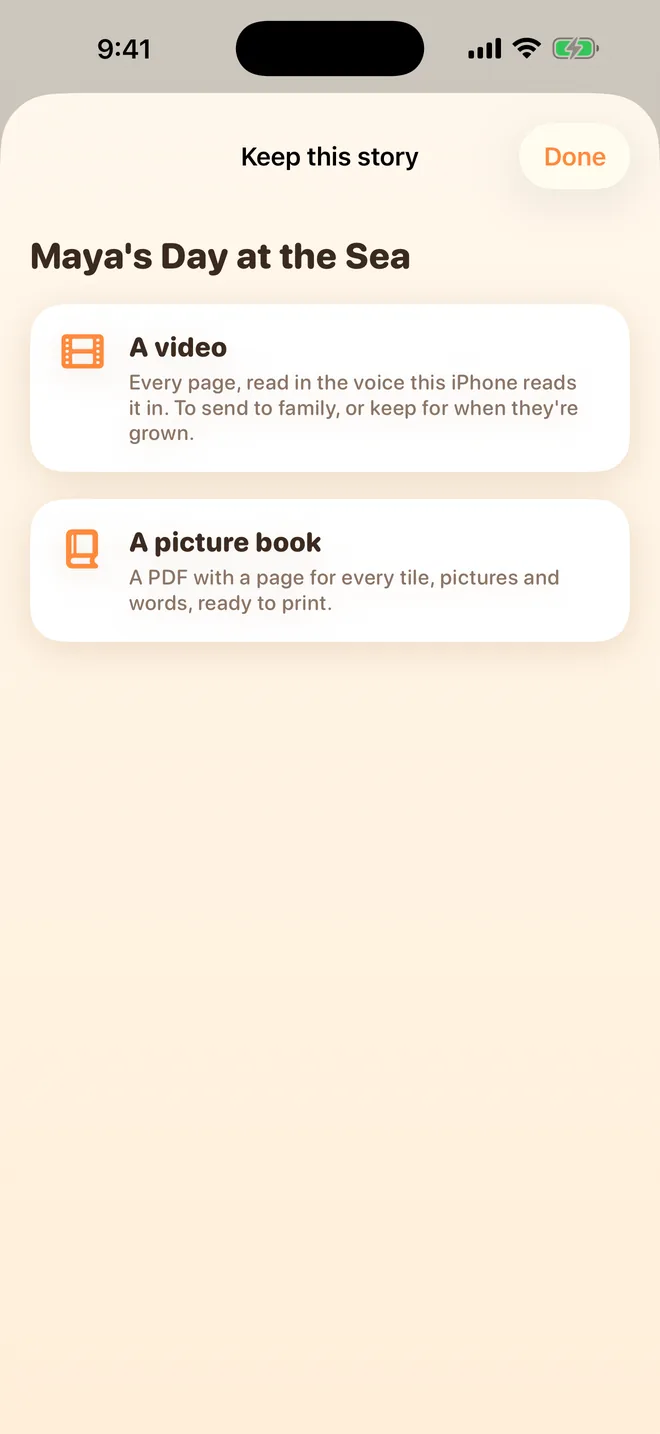
With Plus, press and hold the story on the shelf and choose Save as a video or book. You get a video of the photos in your voice, to send to family or keep with your other videos, or a picture book PDF to print.
Memory book ideas
- Their first birthday, told to them when they're three.
- A book all about them: their name, their favourite things, their people.
- The summer trip: the car, the place, the best bit, the car home.
- A new baby in the family: the bump, the hospital, the first time they held the baby.
- A grandparent who lives far away: every photo from the last visit, told by that grandparent.
- A pet who has died: gentle, and in a voice they trust.
- The old house, before a move: their room, the garden, the view from the window.
- Before you go away for work or a deployment: a week of your days together, to hear while you're gone.
Questions
Can I put a video on a page? Not yet. Each tile holds a photo. You can turn the finished book into a video, though: see step 7.
What does it cost? TapTales is free to download, and you can record three stories in your own voice for free. Photos on the tiles, unlimited recordings, and saving as a video or book are part of TapTales Plus, which is $9.99 a month after a free week. See pricing.
Where do my photos and recordings go? Into your own iCloud, so they're on your other devices too. We never receive them. See the privacy policy.
What if the subscription ends? Nothing is deleted. Photos stay on the tiles, and your first three recorded stories keep playing in your voice. See support.