 TapTales
How to make a “new baby” book for your toddler
Toddlers cope with big changes better when they know what's going to happen. A short story about their new baby helps: their home, their family, and who will look after them while you're away. Make it with your own photos, read it in your voice, and let them tap through it as often as they want in the weeks before.
What goes in it
Six to ten pages, in the order things will happen. Keep each page to one idea, in words your child already uses:
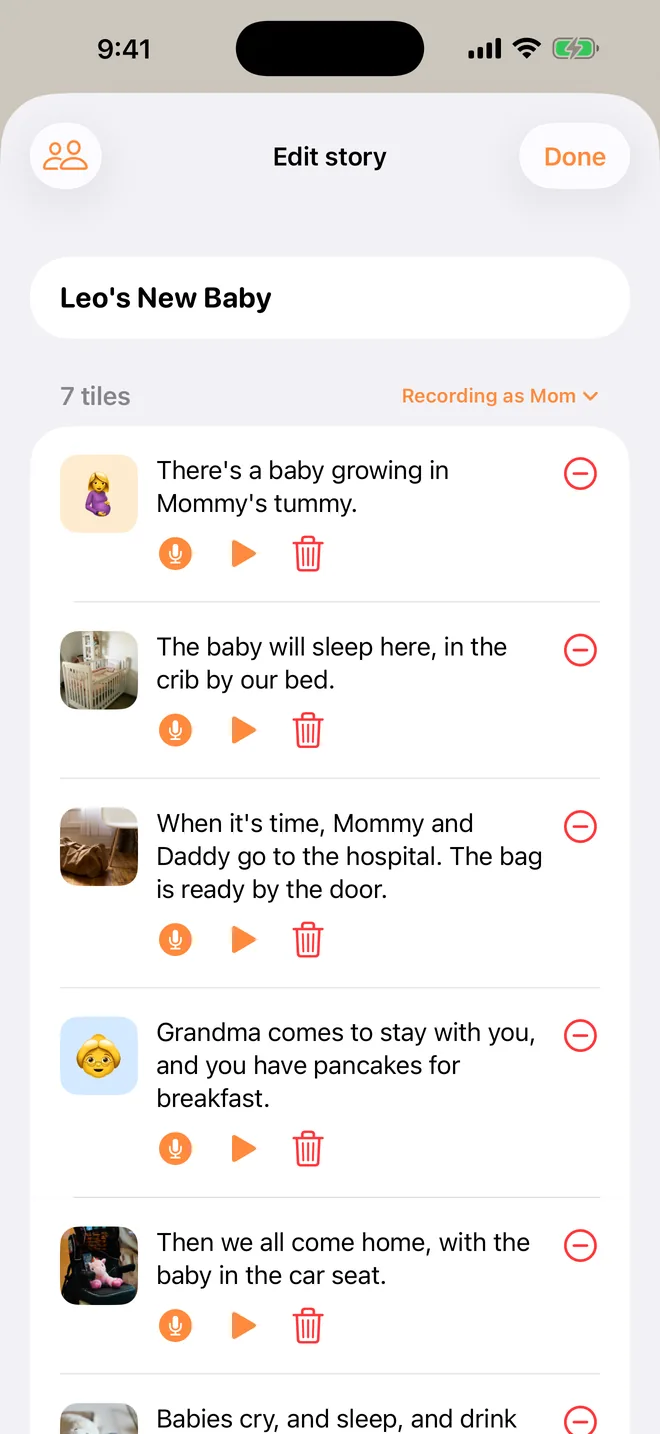
- "There's a baby growing in my tummy." A photo of the bump.
- "The baby will sleep here." The crib or the bassinet.
- "When it's time, Mom and Dad go to the hospital to have the baby." The hospital bag by the door. Use the names your child uses for you.
- "Grandma comes to stay with you." Grandma, or whoever it will really be. Be specific, because this is the page that matters most.
- "Then we all come home, with the baby." The car seat.
- "Babies cry, and sleep, and drink milk. They can't play yet."
- "You're the big sister now. The baby will watch everything you do."
- "And we still read stories, just you and me." End on something that doesn't change.
1. Start a story, tile by tile
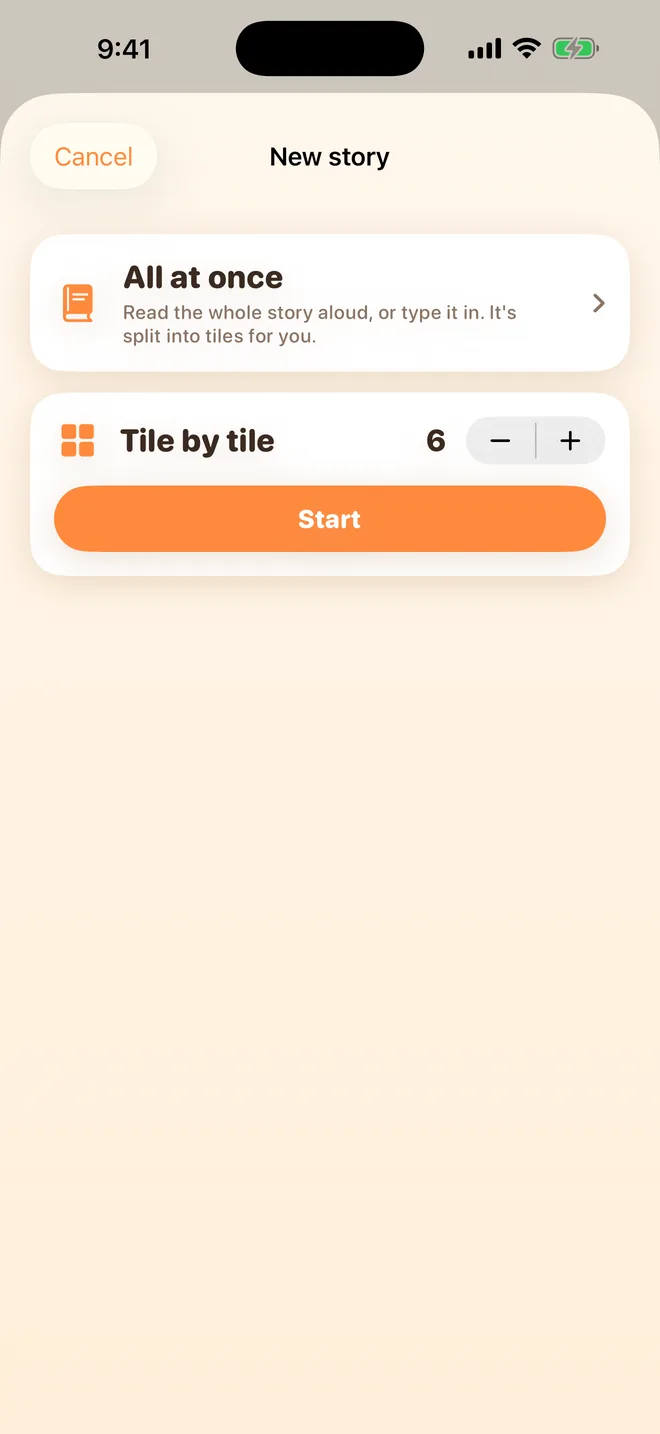
Tap + on the shelf, choose Tile by tile, set the number of tiles to match your pages, and tap Start. Give it a title with your child in it: "Leo's new baby".
2. Put a photo on each tile
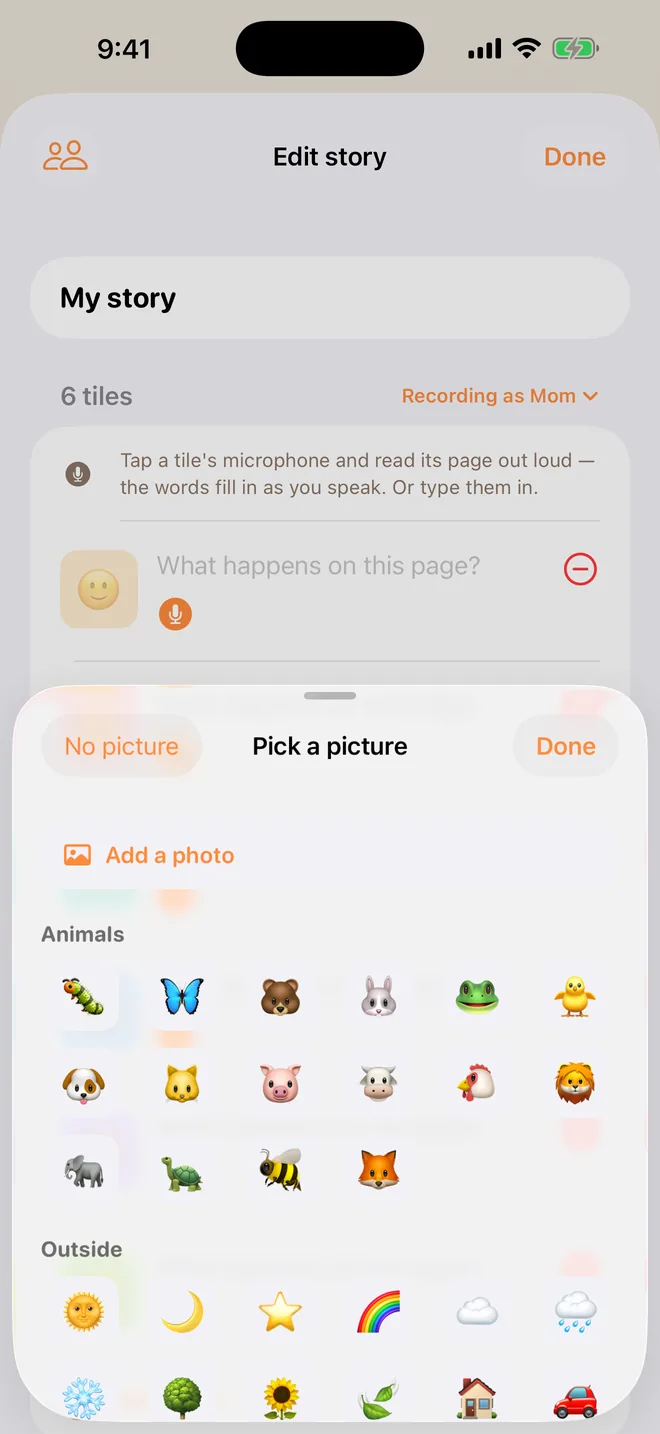
Tap a tile's picture, then Add a photo (TapTales Plus). No photo for a page yet? Leave the picture TapTales chose. The baby, the crib and the car all have one.
3. Tell each page
Tap a tile's microphone and say that page. The words fill themselves in as you talk. Use your child's name and the real names: Grandma, the hospital, the baby's name if you've chosen it.
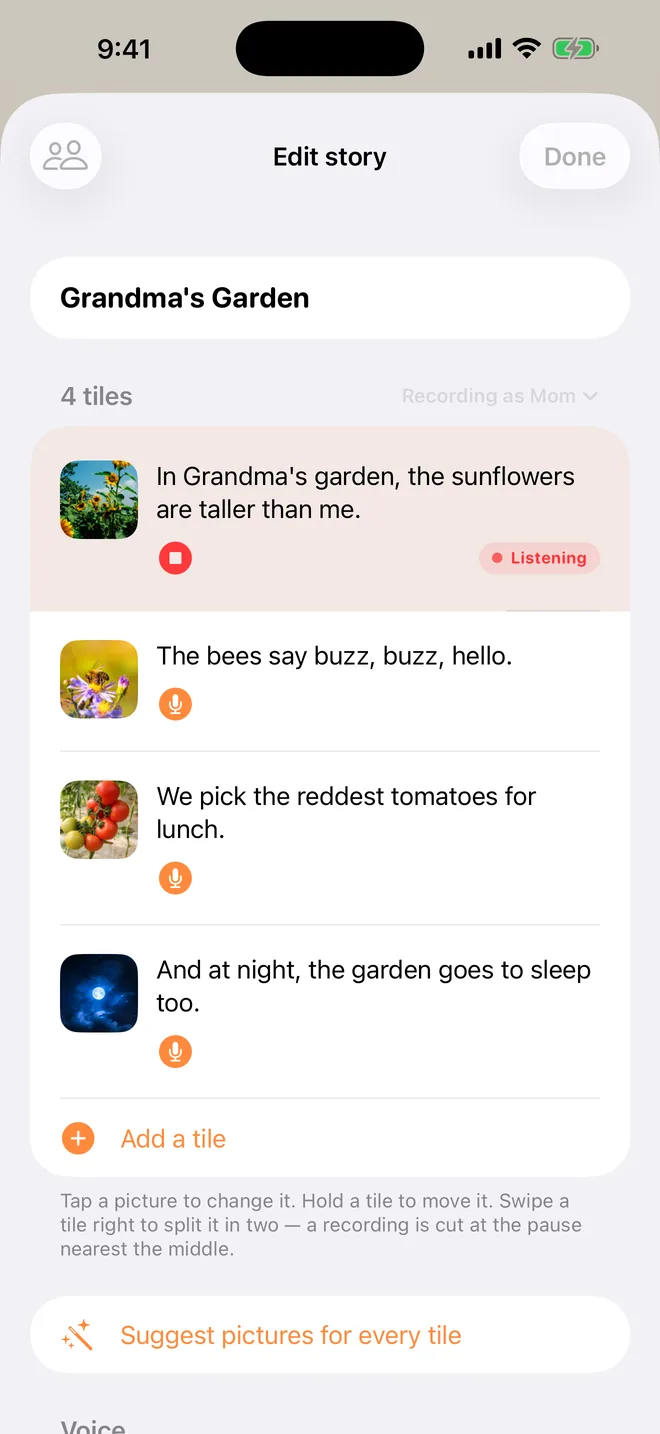
4. Read it together, then let them read it alone
Read it with them the first few times, and let them ask questions. After that, hand it over: they tap the lit tile, hear you, and tap the next. If both parents record it, your child can pick whose voice reads it tonight, using the voice button beside Read on the shelf.
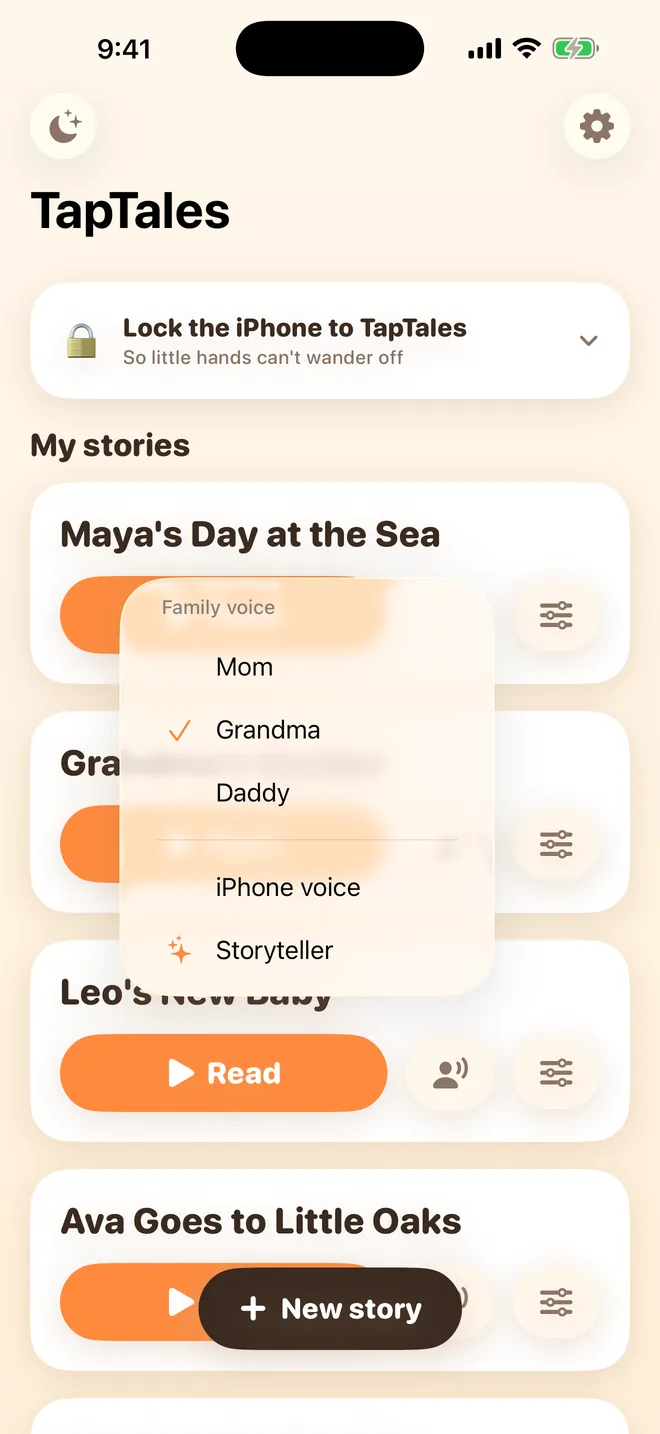
5. After the baby arrives
Swap the photos for real ones: the baby's first day, the first time they held them. Tap a tile's picture and choose a different photo. Your recording stays. The book you made to get ready becomes their memory book of the day they became a big brother or sister.
Questions
When should we start reading it? A few weeks before the due date is plenty for most toddlers. Too early and it's a long wait; too late and there's no time to get used to it.
What if the plan changes? Change the page. Tap the tile's microphone and say it again, and the new recording replaces the old one.
What does it cost? Recording your own voice is free for three stories. Photos on the tiles are part of TapTales Plus. See pricing.