 TapTales
How to make a potty training story for your toddler
Potty training goes more smoothly when a child knows what's supposed to happen. A short story helps: this is your potty, this is what we do, and sometimes it doesn't work and that's all right. Make it from your own photos and read it in your voice, and they can go through it on their own as often as they like, sitting on the potty included.
What goes in it
- “This is your potty.” Their potty, where it lives.
- “Your body tells you when you need to go. Your tummy feels full, or you feel a wiggle.” Them playing.
- “When you feel it, you stop playing and go to the potty.” Their toys, put down.
- “Pants down, and sit.” Teddy sitting on the potty.
- “Pee and poop go in the potty.” Use your family's own words here.
- “Wipe, flush, and wash your hands.” The toilet, the sink, the soap.
- “Big-kid underwear!” Their new underwear, laid out on the bed.
- “Sometimes it comes too fast, and that's OK. We clean up and try again.” A clean set of clothes, folded.
- “You did it!” The sticker chart, or however you'll cheer.
Make it
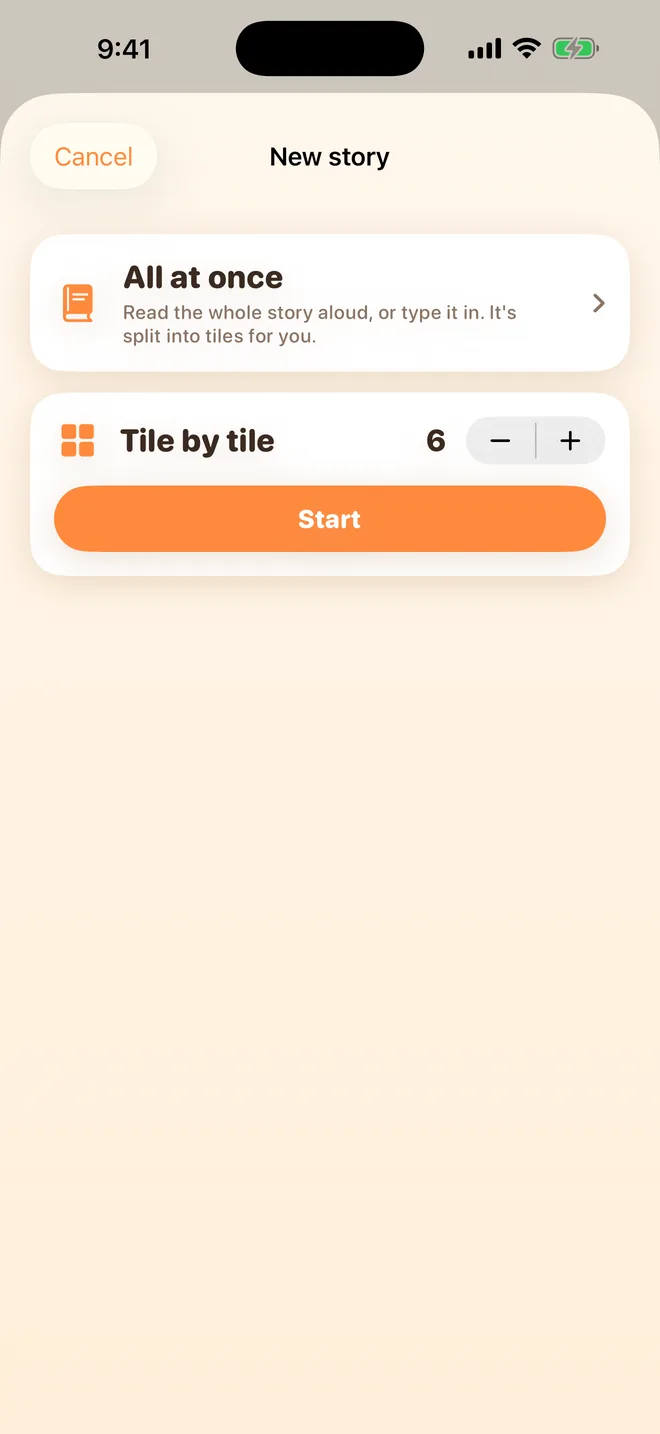
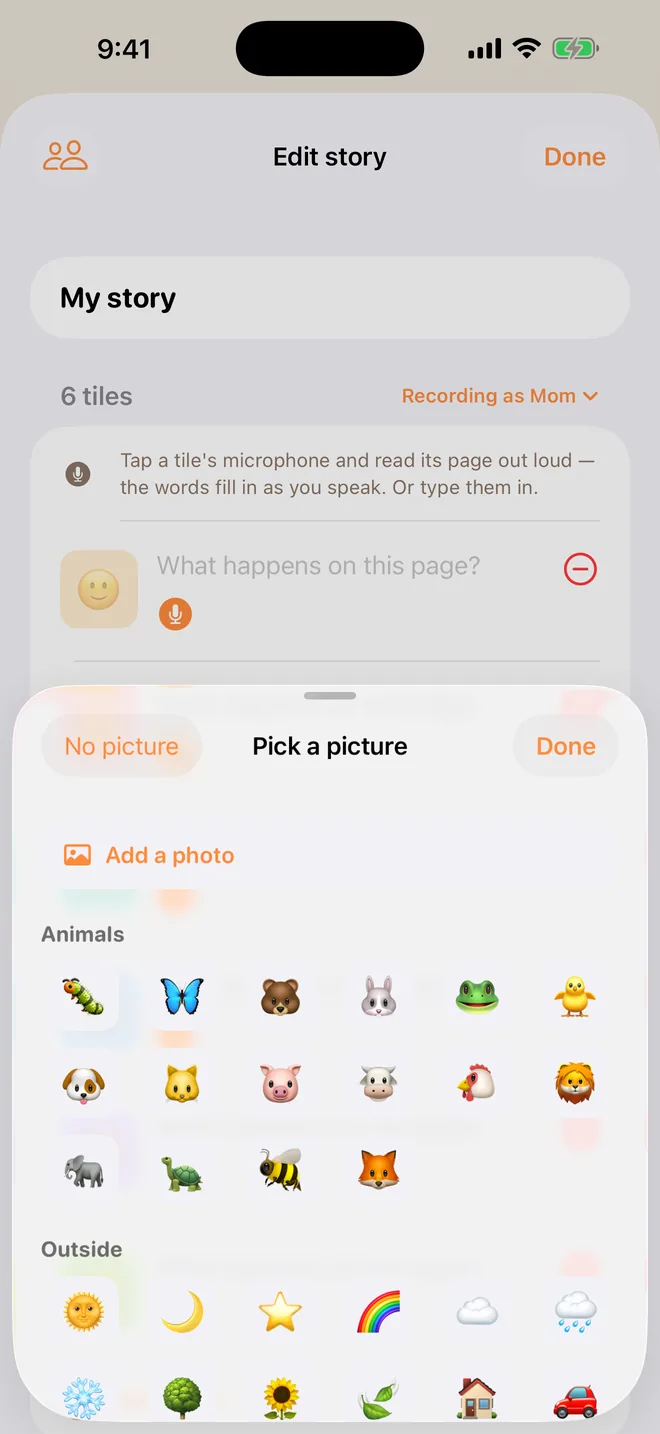
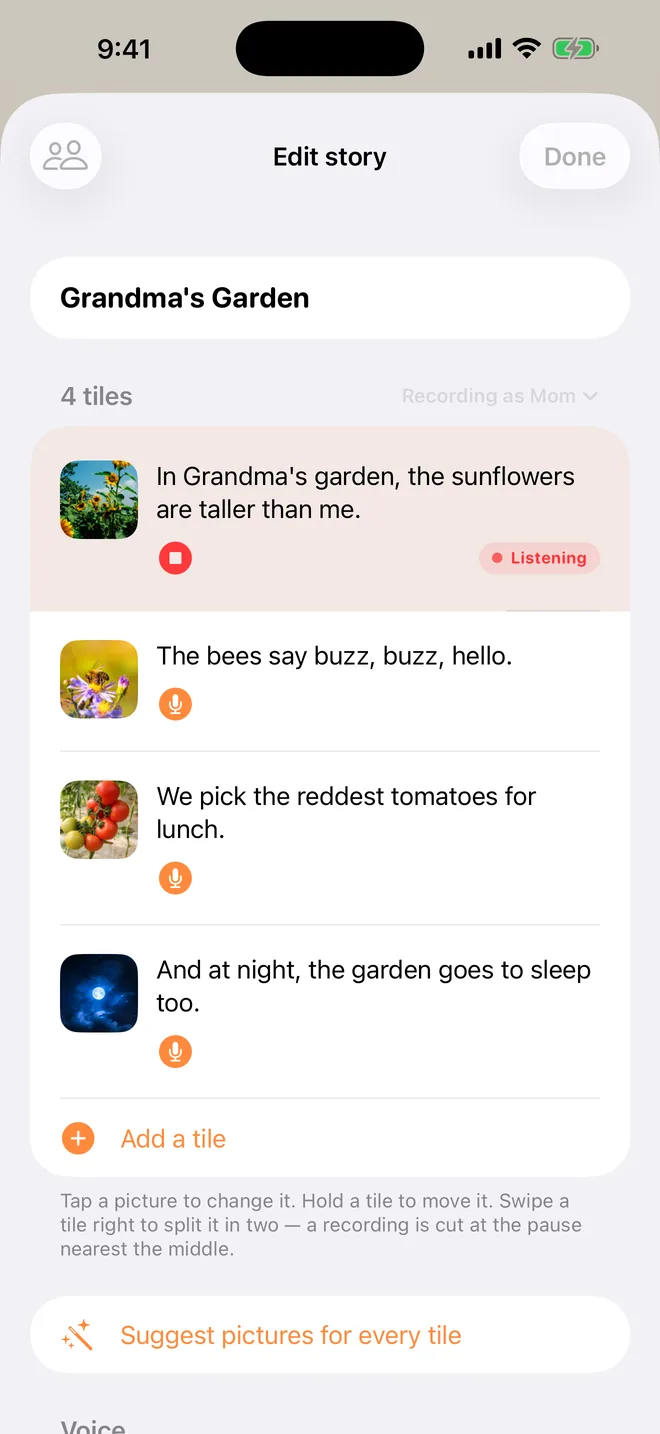
Tap + on the shelf, choose Tile by tile, set the tiles to match your pages, and tap Start. Tap each tile's picture and then Add a photo (TapTales Plus). Then tap each tile's microphone and say that page. The words fill themselves in as you speak. There's more on each step in the memory book guide.
Tips
- Use your family's words. Whatever you call it at home, say that. It's your voice they're hearing.
- Photograph things, not your child. The potty, the underwear, a teddy on the potty. Leave out any photo of your child undressed: photos sync to your iCloud, and anyone in your family sharing who can see the story sees them too.
- Keep the accident page. A story where it always works leaves no room for the day it doesn't.
- Let them hear it on the potty. Tap Read and hand them the phone. A few minutes of sitting goes faster with a story.
- Same story at every house. If a grandparent or sitter helps, they can record the same story in their voice from their own phone through Settings → Family sharing. See the grandparents guide.
Questions
When should we start? That's your call, and your pediatrician's if you're unsure. The story helps once you've decided: read it together for a few days before the first try.
Can the story change as they learn? Yes. Tap a tile's microphone and say it again, and the new recording replaces the old one. Tap Add a tile for a new last page, such as “Now you use the big toilet.”
What does it cost? Recording your own voice is free for three stories. Photos on the tiles are part of TapTales Plus. See pricing.