 TapTales
A first day of preschool story, with your own photos
The first day of preschool is easier when it isn't a surprise. A short story that walks through the day, with photos of the real gate, the real classroom and the real teacher, gives your child a picture of what's coming. When it's read in your voice, the last page ("and then I come back to get you") sounds like a promise.
Get the photos
Take them at an open house or a visit before the first day, or ask the school: many will send a photo of the room or the teacher if you explain why. You need one photo for each part of the day:
- Getting ready at home: the bag, the shoes, the lunchbox.
- The gate or the front door.
- The teacher, by name.
- Their hook or cubby.
- Something they'll love there: the sandbox, the dress-up box.
- Snack or lunch.
- Story time, or nap time.
- Pickup: "and then I come back to get you." Always the last page.
1. Start a story, tile by tile
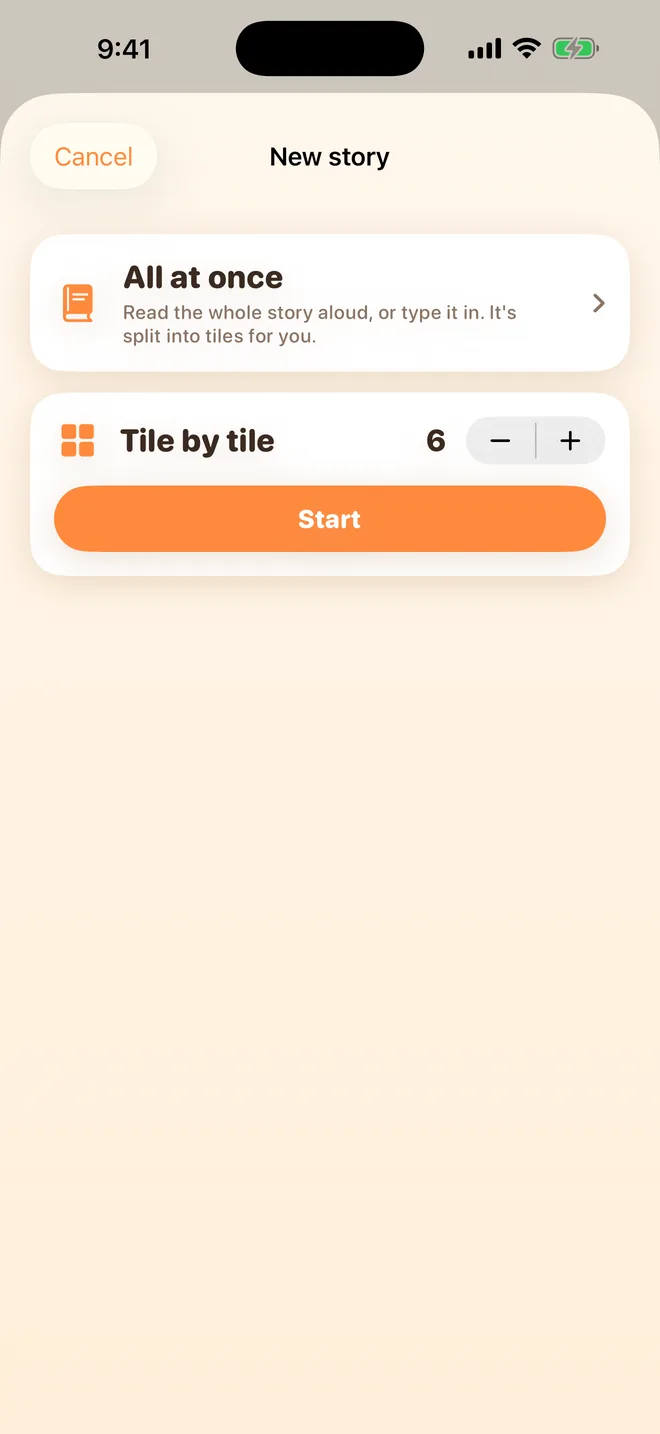
Tap + on the shelf, choose Tile by tile, set the tiles to match your photos, and tap Start. Title it after them: "Ava goes to Little Oaks".
2. Add the photos
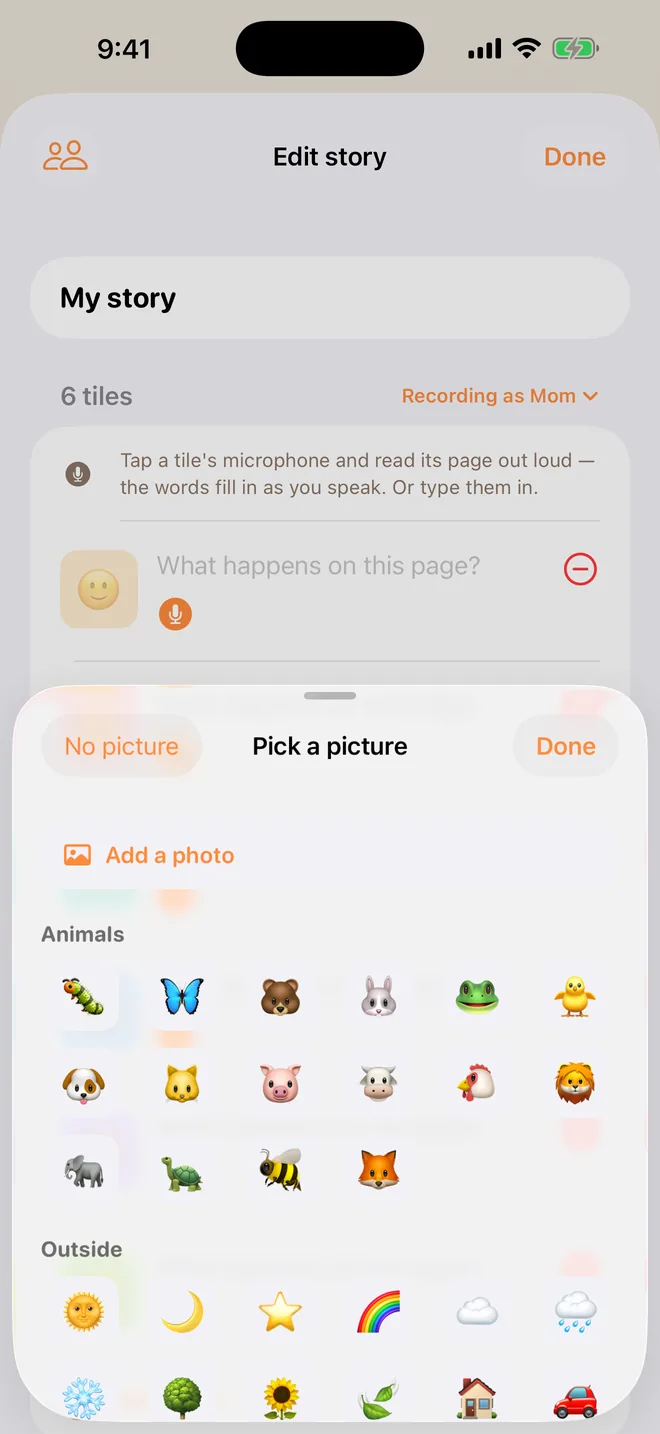
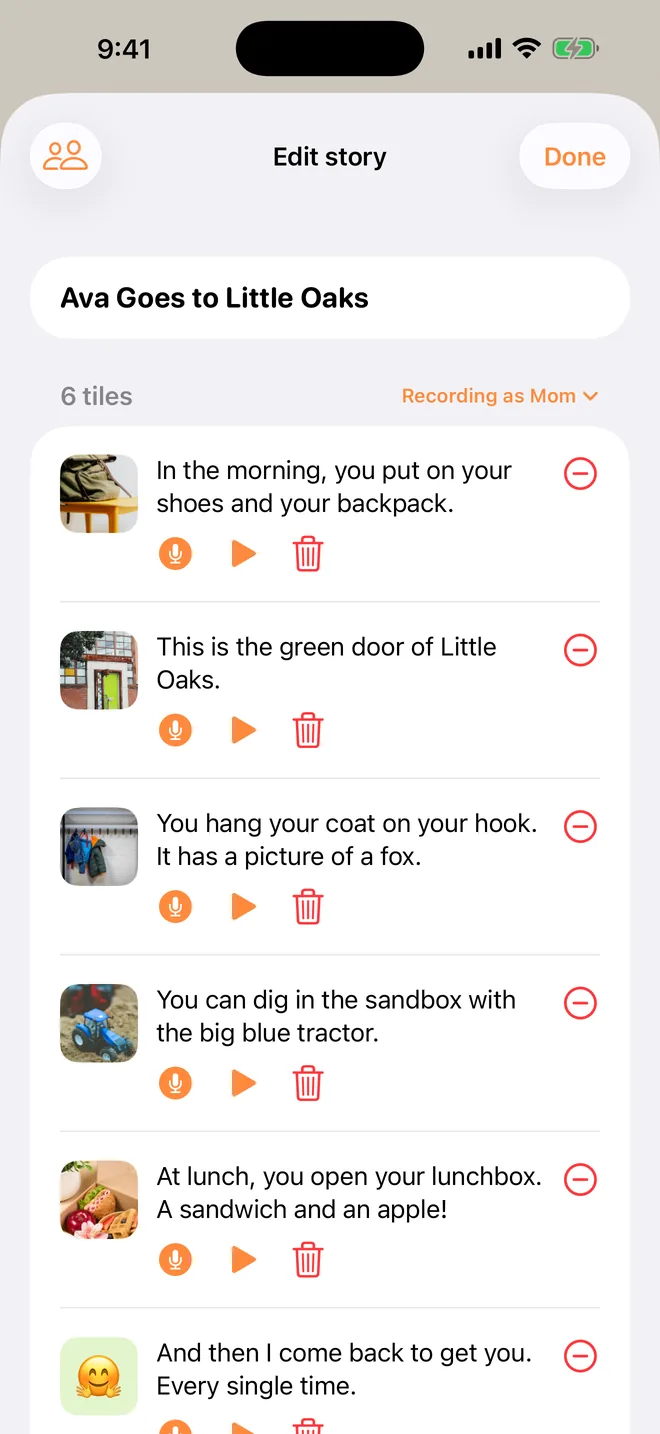
Tap each tile's picture, then Add a photo (TapTales Plus), working through the day in order. To reorder, press and hold a tile and drag it.
3. Tell the day
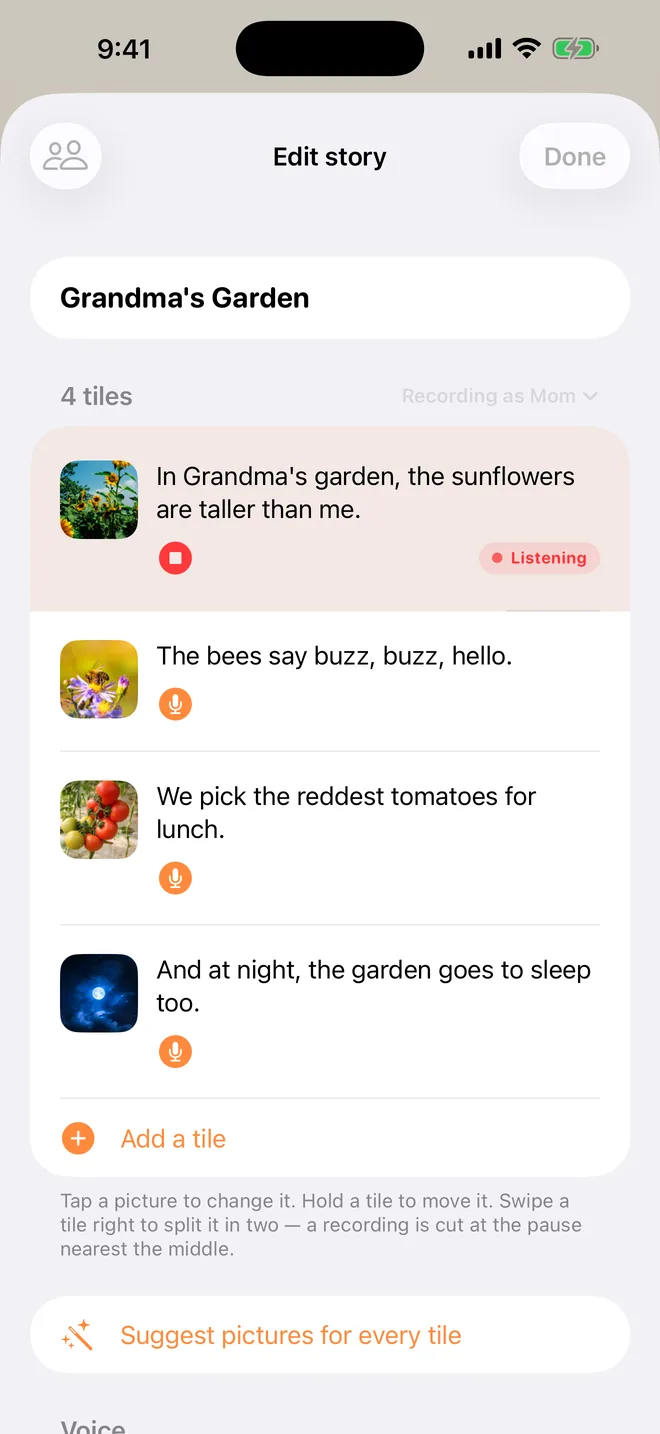
Tap each tile's microphone and say that part of the day in the present tense, as if it's happening: "You hang your coat on your hook. It has a picture of a fox." The words fill themselves in as you talk.
- Name the feelings. "It's OK to feel a bit wobbly. Ms. Patel will help."
- Keep the goodbye short and the same every time. Say the words you'll really use at the door.
- Make the pickup page the warmest.
4. Read it in the days before
Let them tap through it on their own as often as they like. When a photo tile's page is reading, the photo fills the screen, so they get a good look at the classroom and the teacher's face.
Ideas
- A new babysitter or daycare: their house, their name, what you'll do there.
- Starting kindergarten, a year or two later: same idea, bigger words.
- The first week, afterwards: swap in photos from the real days and it becomes a memory book.
- Going to the dentist or the doctor: the waiting room, the chair, the sticker at the end.
Questions
Is this a “social story”? It's the same idea: a short, concrete story about what's going to happen, told calmly, in order. Many parents use them for any big change. TapTales is a tool for making one, not a therapy. If your child has support from a professional, they may have their own advice on wording. There's more in the social story guide.
Can their other parent record it too? Yes. Add them in Settings → Family sharing, and they can record the same story on their own phone. Your child picks whose voice reads it.
What does it cost? Recording your own voice is free for three stories. Photos on the tiles are part of TapTales Plus. See pricing.