 TapTales
Make a social story in your own voice
A social story is a short, true story about something that's going to happen: where you'll go, who will be there, what happens first and what comes next. Many parents of autistic children make them, and plenty of other parents do too, for haircuts, new schools and anything else new. TapTales is a quick way to make one from your own photos, read once in your voice, so your child can tap through it on their own, as often as they like, and hear it the same way every time.
Write it first
Before you open the app, jot the story down as a short list, one page per step. A few things many parents find help:
- One step per page. “We park the car.” “We open the big glass door.” Short and in order.
- Say it the way it really happens. Use the real place, the real people's names and the words they'll really hear. If it's literal, it's easier to trust.
- Use “usually” and “might”. “The hairdresser usually sprays my hair with water.” Plans change, and a story that promised something exact is harder to believe next time.
- Describe more than you direct. Most pages say what happens and what other people do. Keep any “I can…” lines few and gentle: “I can hold Bunny while I wait.”
- Write it from their side. Many social stories are in the first person (“I sit in the big chair”). Use whatever your child follows best.
- End on what comes after. Home, the park, a snack: the last page is where the day goes back to normal.
1. Start a story, tile by tile
Tap + on the shelf, choose Tile by tile, set the tiles to the number of pages you wrote, and tap Start. Give it a plain title your child will recognise: “Going to the hairdresser”.

2. Add real photos
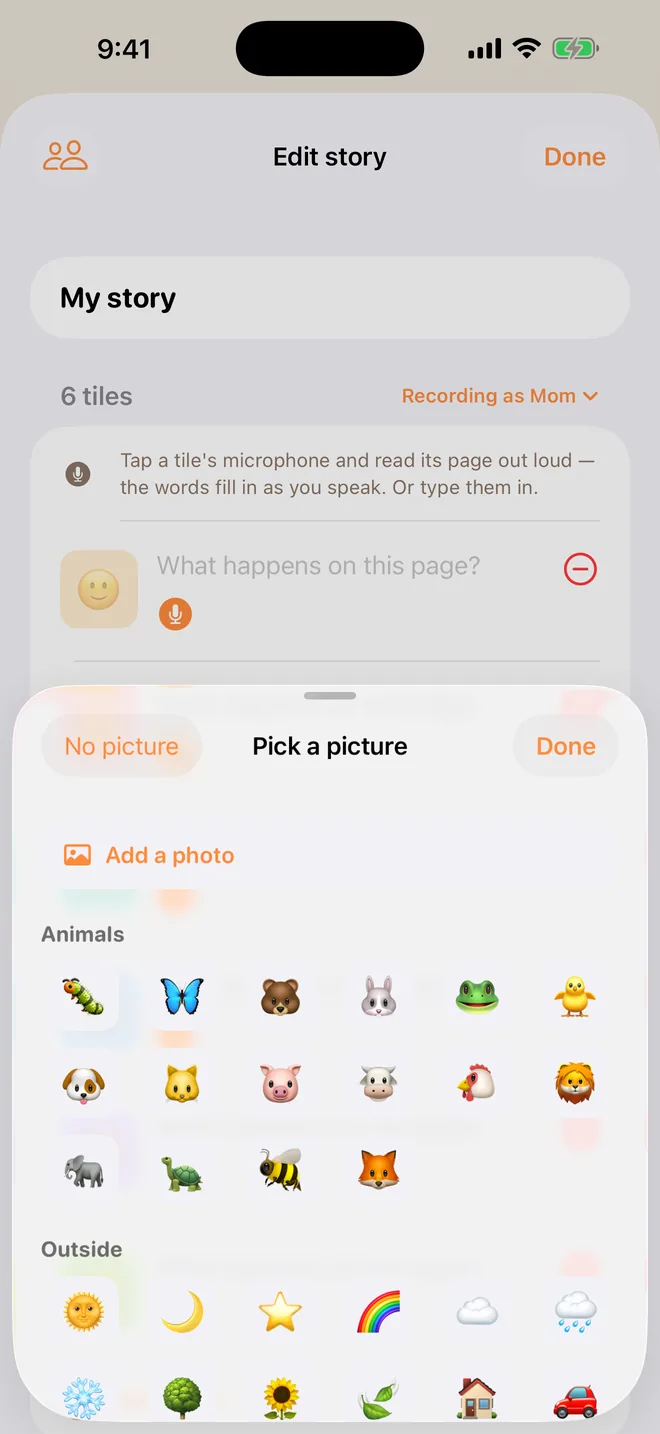
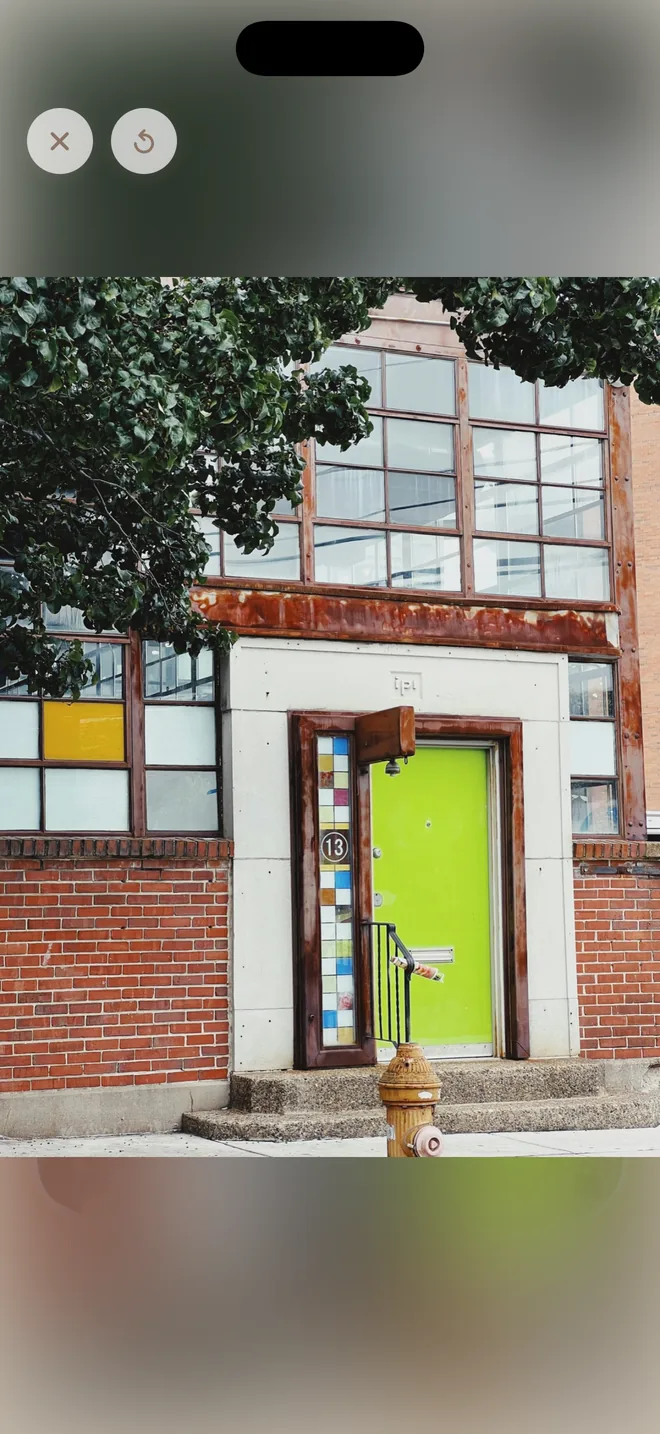
Tap each tile's picture, then Add a photo (TapTales Plus). Photos of the actual place and people make the story concrete: the front of the building, the chair, the person's face. Take them on a quiet visit beforehand, find them on the place's website, or ask: many offices, schools and salons will send one if you explain why. Where you can't take a photo, photograph something at home that stands for it, or keep the picture TapTales chose. To reorder, press and hold a tile and drag it.
3. Read each page into its tile
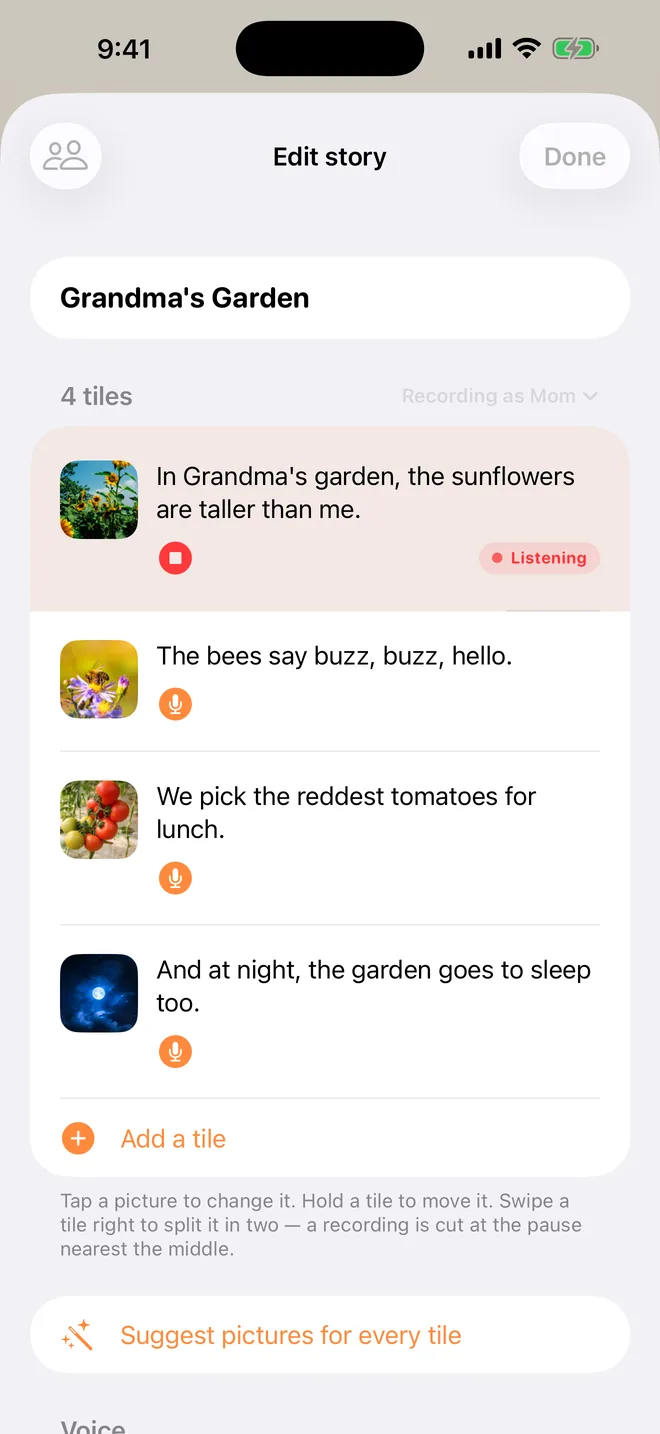
Tap each tile's microphone and read that page, calmly and a little slower than you'd talk. The words fill themselves in as you speak, and you can fix any word by typing. That recording is what your child hears every time, with the same words and the same voice, so it's worth a second try if a page doesn't sound right: tap the microphone again and the new one replaces it.
4. Let them go through it
Your child taps a tile and hears that page. They can go at their own pace, go back, and play it again as many times as they want, in the days before and on the day itself. While a photo tile's page is reading, its photo grows to fill the screen; if Reduce Motion is on in your iPhone or iPad's accessibility settings, it fades in instead. To make every story read slower or faster, use Settings → Reading → Speed.
5. Print it or send it
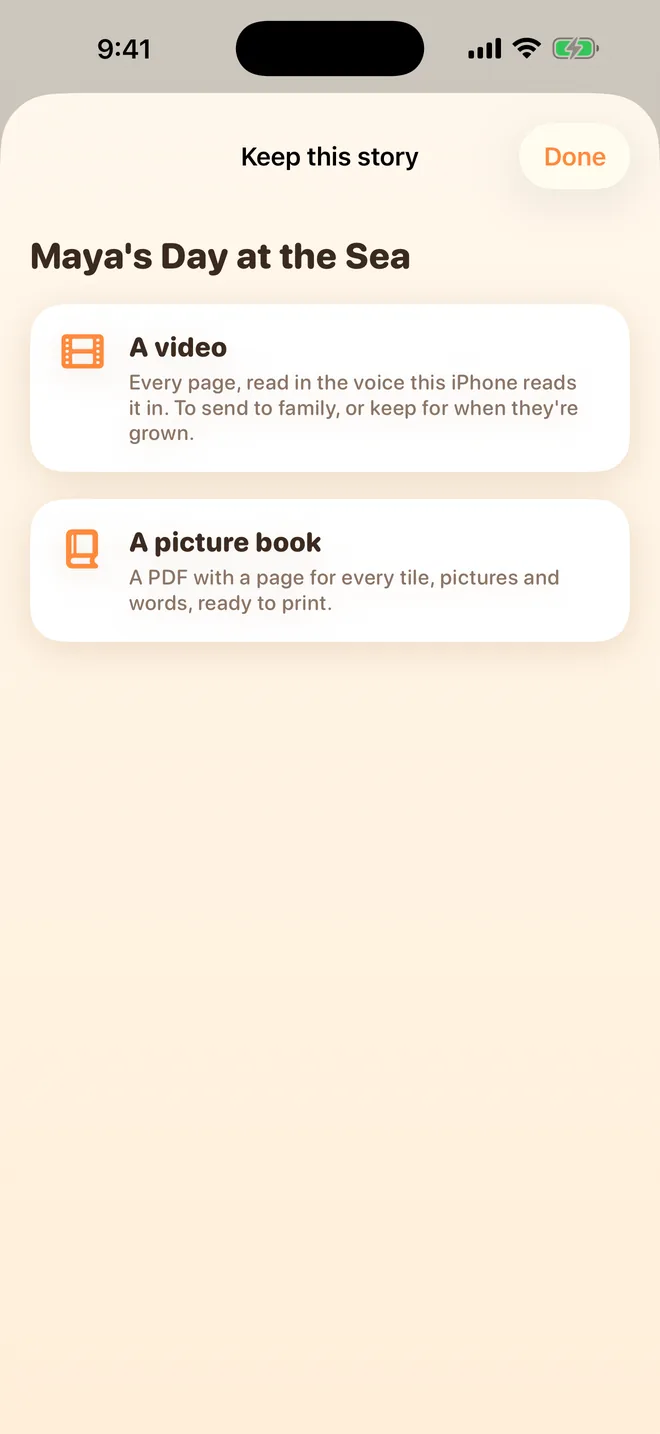
Press and hold the story on the shelf and choose Save as a video or book (TapTales Plus): a picture book to print and keep in a bag, or a video to send to a teacher, a grandparent or anyone else who'll be there, so everyone uses the same words.
Ideas
- A haircut: the cape, the spray bottle, the buzz of the clippers, the mirror at the end.
- A new school or class: see the first day of school guide.
- The doctor or the dentist: see the doctor or dentist guide.
- A first flight: the airport, security, the seatbelt. See the first flight guide.
- Moving house, a new baby or two homes: moving, new baby, two homes.
- Everyday routines: the morning, bath time, getting into the car seat, or a bedtime routine.
- A change to the usual: a substitute teacher, a different bus, a visitor staying over.
- Somewhere busy: the supermarket, a birthday party, a fireworks night.
Questions
Social stories and autism: is TapTales made for autistic children? It's made for any child and the grown-ups who read to them. Lots of families use it for social stories because it's quick to make one from real photos and real words. It's a tool for making a story, not a therapy, and it doesn't claim to treat or change anything.
Is this a Social Story™ in the formal sense? Carol Gray's Social Stories™ follow specific guidelines for how they're written. If your child has a speech and language therapist, teacher or other professional who works with them, they may have their own advice on wording, and they can use TapTales to make one with you. Many therapists and teachers make stories like these for the children they work with.
Can someone else record it? Yes. Add them in Settings → Family sharing, and they can record the same story on their own phone. Your child, or you, picks whose voice reads it. If the same voice matters, keep it to one.
Something changed. Do I start again? No. Tap that tile's microphone and read the new page, or tap its picture and choose a new photo. Every other page stays as it was.
Can I hide it once we're done with it? Yes. Press and hold it on the shelf and choose Hide; Settings → Hidden stories brings it back.
What does it cost? Recording your own voice is free for three stories. Photos on the tiles and saving as a video or book are part of TapTales Plus. See pricing.