 TapTales
How to make a personalized book starring your child
Children love a book about themselves more than almost any other. A personalized book usually means their name printed into someone else's story. With TapTales you can make one that's really about them: their photos, their favourite things, the people they know, told by you. Your child taps from page to page and hears it in your voice. It's ready the same evening, and you can print it too.
What you'll need
- An iPhone or iPad with TapTales.
- Six to twelve photos of your child, doing things, with people and things they know.
- Ten quiet minutes to talk.
Photos on the tiles and printing are part of TapTales Plus. Recording in your own voice is free for your first three stories.
1. Pick a shape for the story
A simple pattern that repeats is easiest for small children to follow. Some that work:
- “All about Maya”: her name, how old she is, her favourite food, her favourite toy, her best friend, where she sleeps.
- “Leo can…”: one thing per page he's learned to do. Climb the slide. Brush his teeth. Say “banana”.
- “Who loves Sam?”: one person or pet per page, ending with “and me, most of all”.
- “Ava's day”: waking up, breakfast, the park, bath, bed.
2. Make the pages
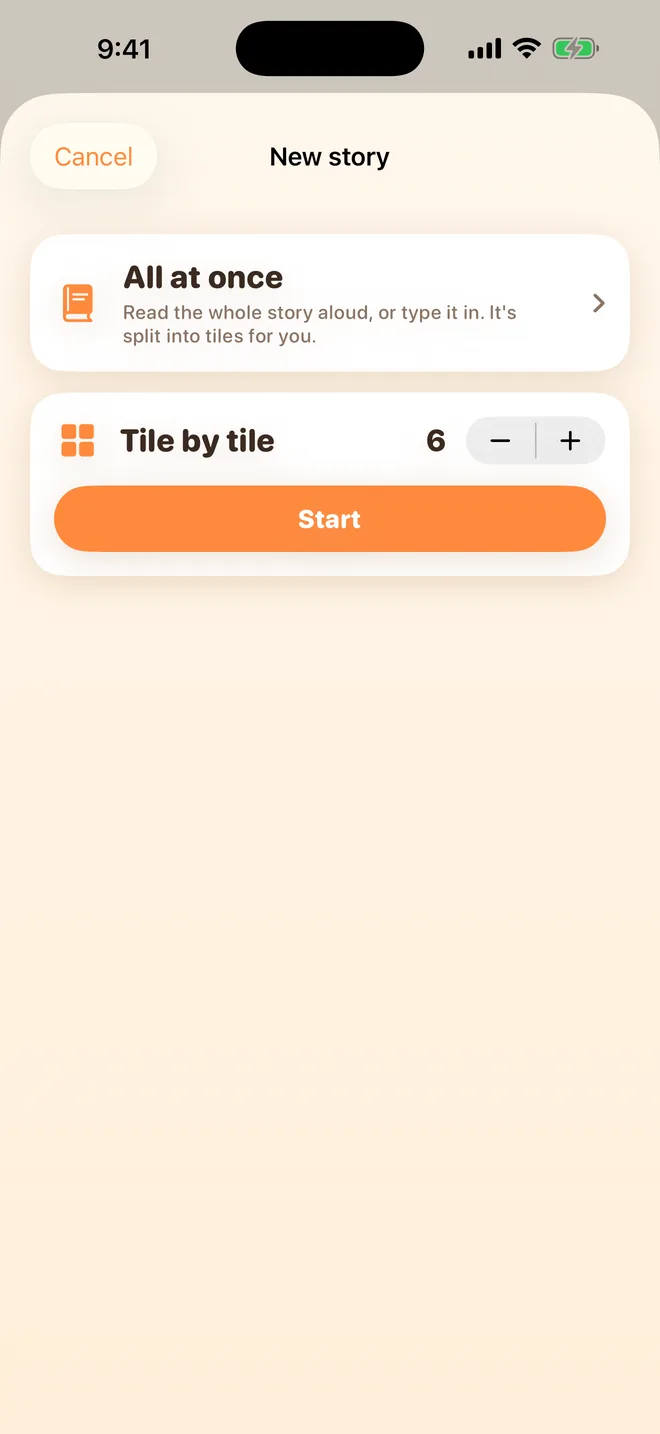
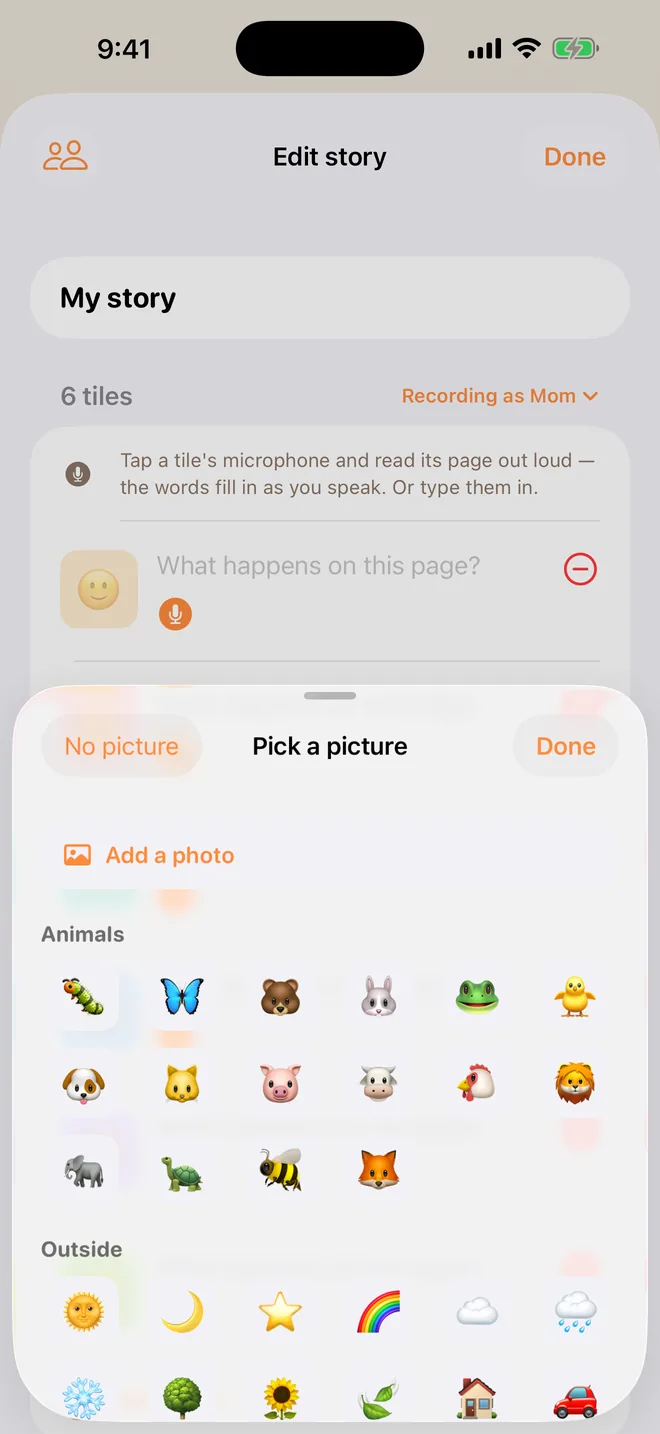
Tap + on the shelf, choose Tile by tile, set the number of tiles to the number of pages, and tap Start. Put their name in the title: “All about Maya”. Tap each tile's picture, then Add a photo, and choose the photo for that page.
3. Tell it, using their name
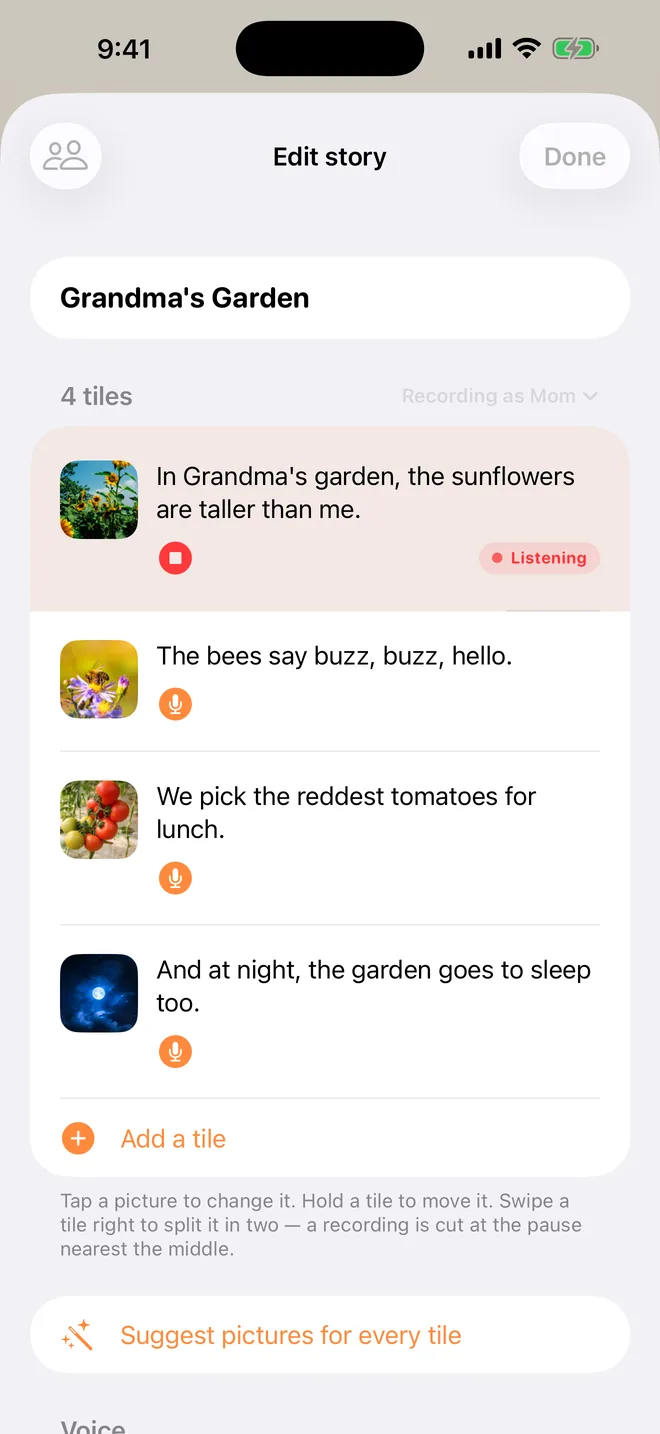
Tap the microphone on the first tile and say that page. Tap stop. The words fill themselves in as you speak. Then the next.
- Say their name a lot. “This is Maya. Maya is three.” Small children light up at it.
- Ask them things. “What's Maya's favourite food? It's… pasta!” They'll join in by the third reading.
- Name everyone else too. The cousin, the teddy, the dog next door.
- End with a hug. “And Maya is loved very, very much. The end.”
4. Give it to them
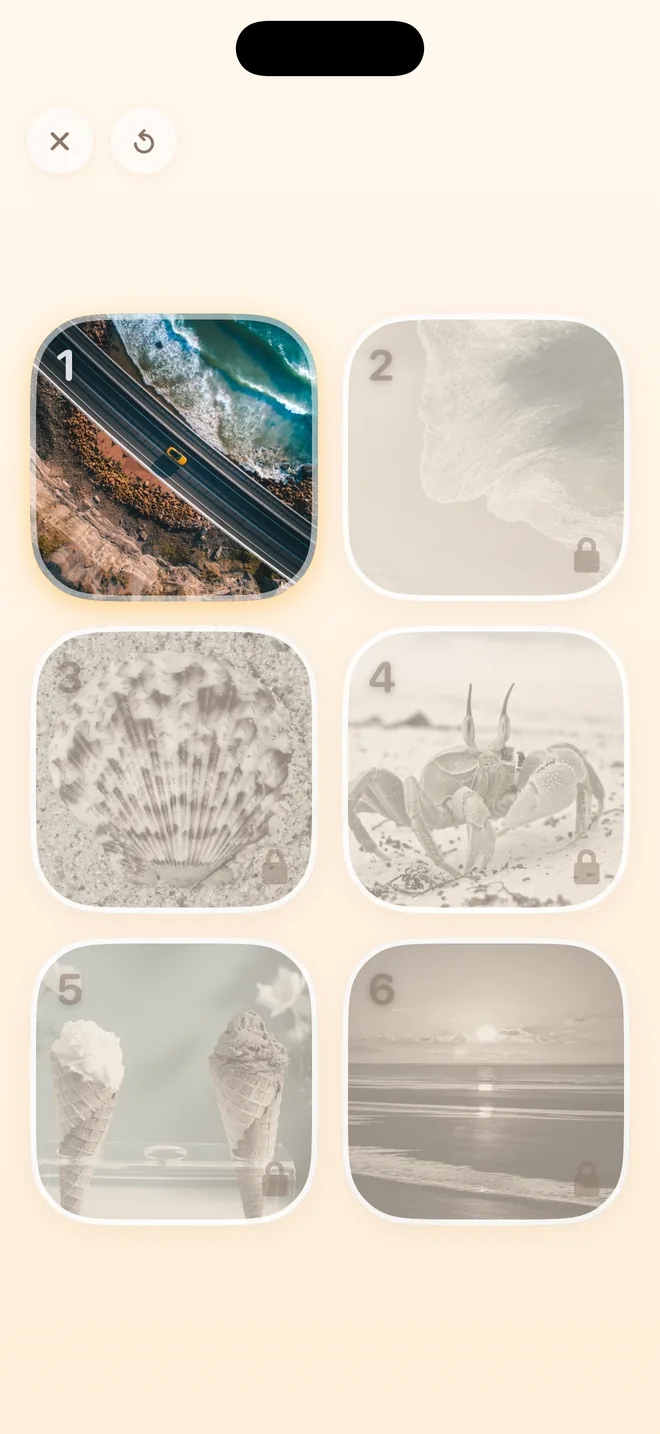
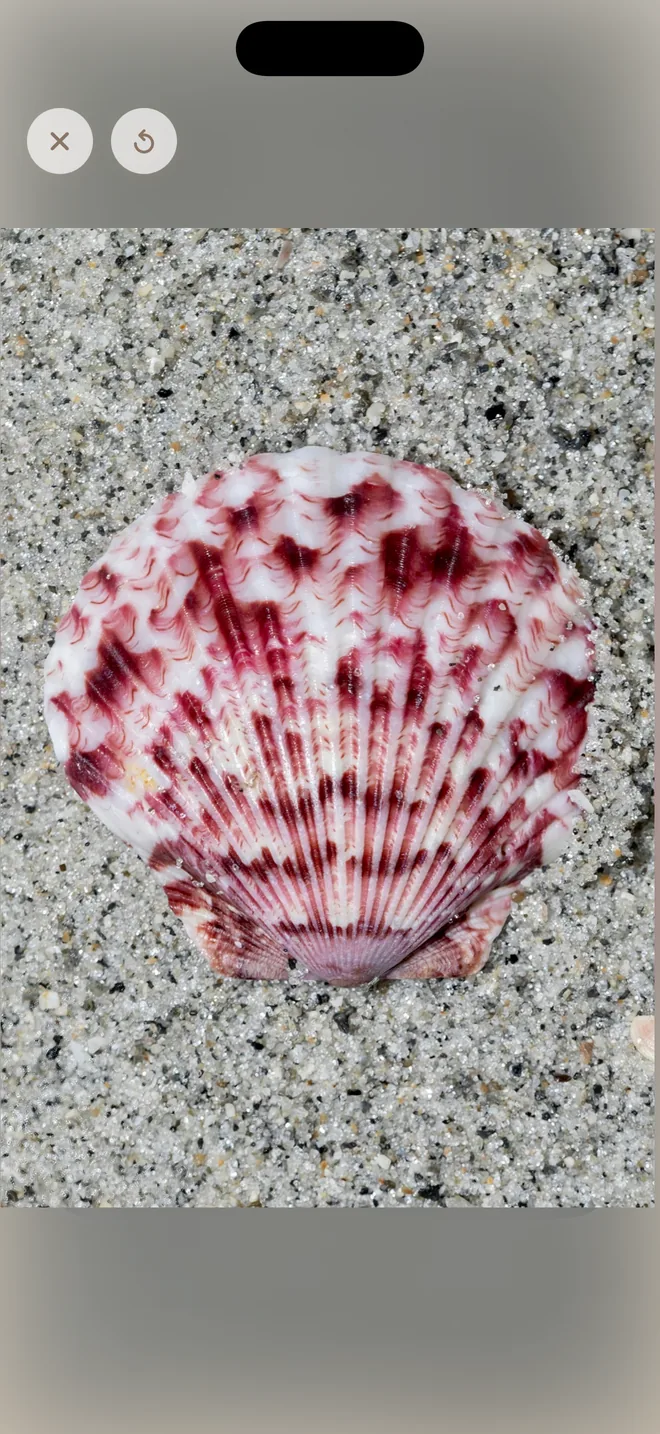
Close the editor and tap Read on the shelf. Only the next tile is lit, so they can't go wrong. When they tap it, their photo grows to fill the screen while you read that page.
5. Print it, if you like
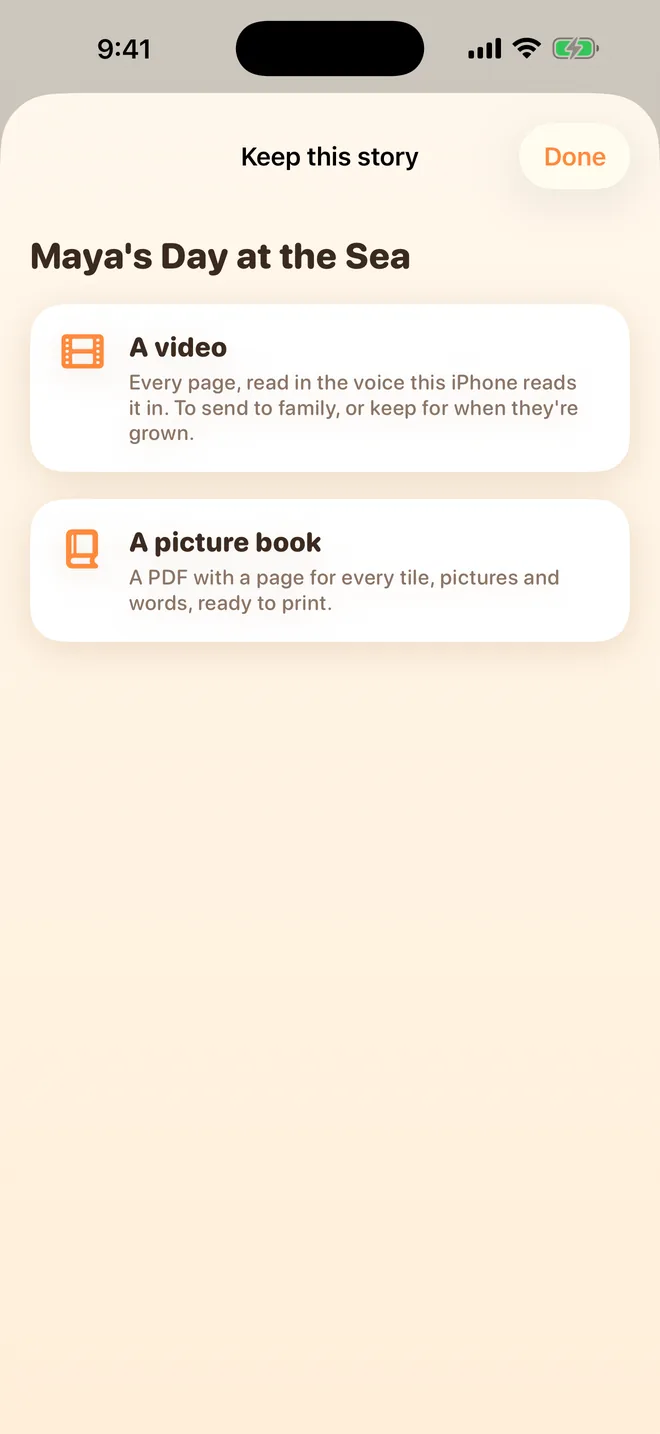
With TapTales Plus, press and hold the story on the shelf and choose Save as a video or book, then A picture book. You get a PDF with a title page, a page for every tile, and “The End”, ready to print at home or at a print shop. Or choose A video to send it to family in your voice.
Make it grow with them
Keep the book and add to it. Swap in this year's photos, or tap a tile's microphone and say the new version: “Now Maya is four, and her favourite food is still pasta.” Or start a new one each birthday, so there's a shelf of them.
Questions
How is this different from a printed personalized book? A printed one arrives in a week, in hardcover, with a story someone else wrote. This one is ready tonight, is about your child's real life, and reads itself to them in your voice. The printout is a PDF you print yourself.
Where do the photos go? Into your own iCloud, so they're on your other devices too. We never receive them. See the privacy policy.
Can Grandma read it too? Yes. Add her in Settings → Family sharing and she records the same pages on her own phone. Your child picks who reads it. Here's how.
What does it cost? Recording three stories in your own voice is free. Photos on the tiles and printing are part of TapTales Plus, $9.99 a month after a free week. See pricing.