 TapTales
A story to remember a pet or someone they loved
When a pet or a grandparent dies, small children often want to talk about them in short bursts, over and over, for a long time. A memory book gives them somewhere to go for that: the photos they know, told in a voice they trust, as many times as they ask. This guide is about making one. It isn't advice on grief, and you know your child best.
What to put in it
Mostly the good, ordinary things: what they did together, what they looked like, what they said. A page or two can say what happened, in plain words, if that suits your child. For example, for a dog:
- “This is Biscuit. Biscuit was our dog.” The best photo of Biscuit.
- “Biscuit loved the park, and chasing the ball, and sleeping on your bed.” One photo each, if you have them.
- “When you were a baby, Biscuit used to sit next to you.”
- “Biscuit got very old and very poorly, and he died. That means his body stopped working, and he can't come back.”
- “We feel sad, and that's OK. We can look at his photos whenever we want.”
- “We'll always remember Biscuit.” A photo of them together.
For a person, the same shape works: who they were to your child, the things they did together, what happened, and how you'll remember them. Use the words your family uses.
Make it
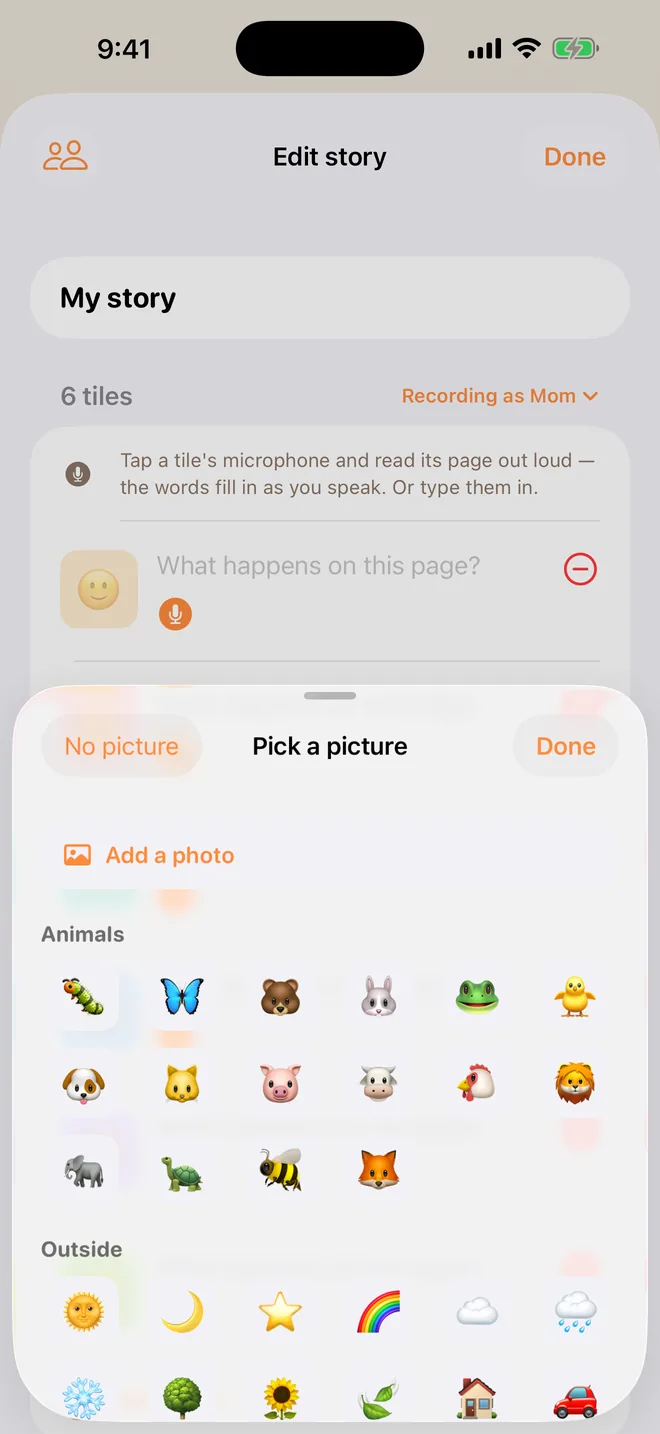
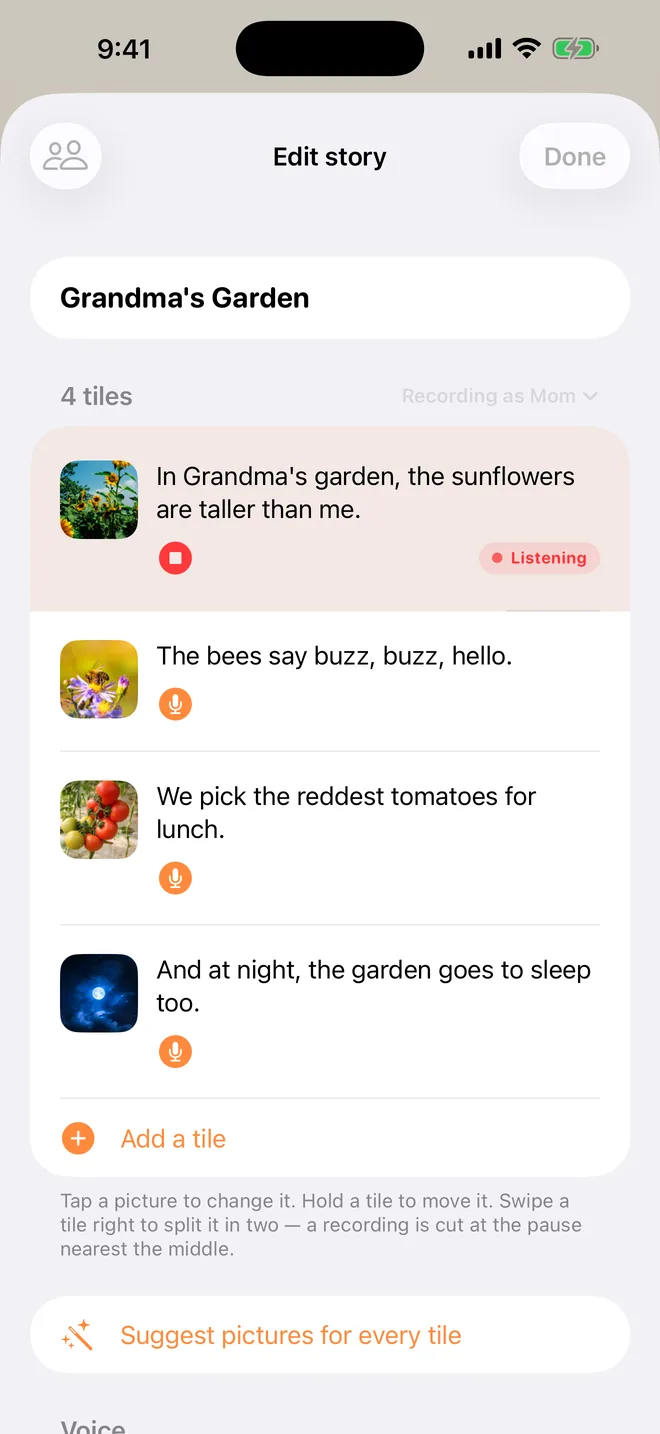
Tap + on the shelf, choose Tile by tile, set the tiles to match your pages, and tap Start. Tap each tile's picture and then Add a photo (TapTales Plus). Then tap each tile's microphone and say that page. The words fill themselves in as you speak. There's more on each step in the memory book guide.
You don't have to do it all at once. Make the tiles, add photos over a few days, and record when you feel able. If your voice breaks on a page, that's allowed; if you'd rather it didn't, tap the microphone and say it again.

Let others add to it
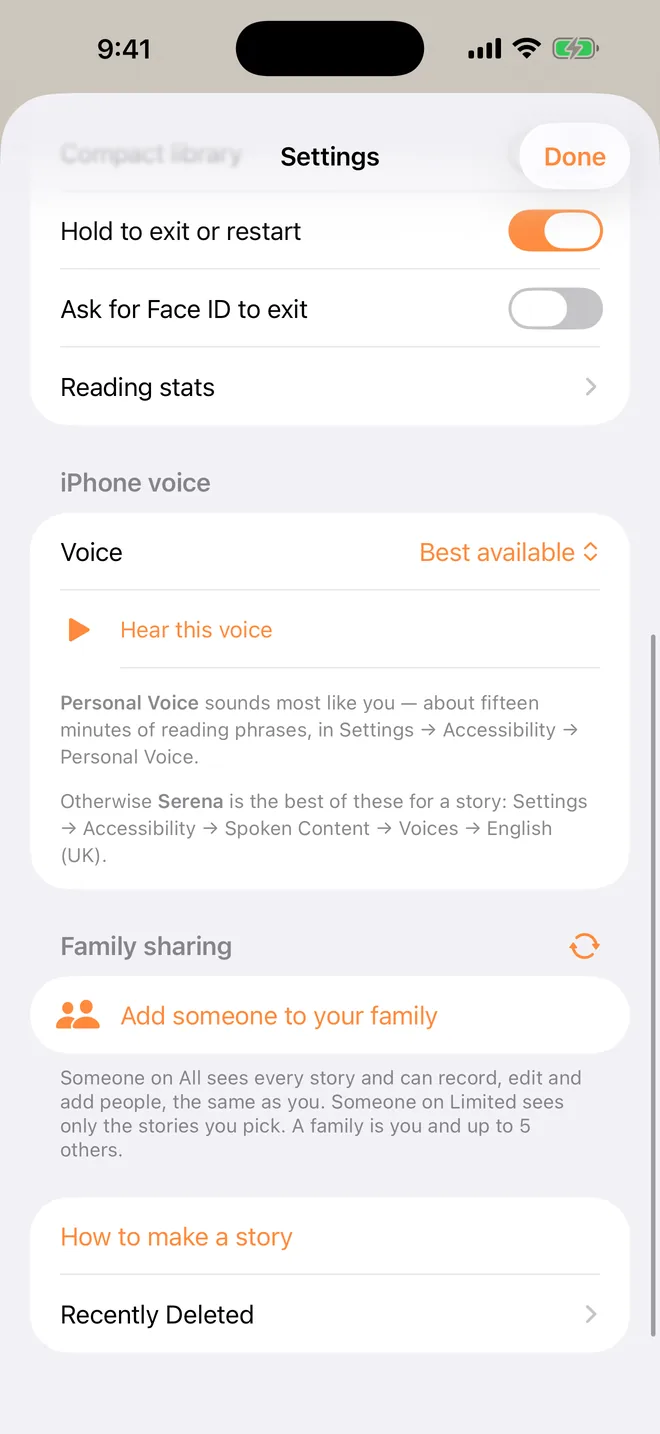
Other people who loved them can tell pages in their own voice, from their own phones: Grandma telling the story of Grandpa's garden, a cousin telling the time the dog stole the sandwich. Add them in Settings → Family sharing, and your child picks who reads it. Here's how.
Tips
- Use plain words. Many families find “died” is clearer for a small child than “went to sleep” or “we lost him”.
- Let your child choose the photos. They may pick ones you wouldn't. That's the point.
- Let them tell a page. Tap the microphone and let them say what they remember.
- Keep it where they can find it. Don't put it away for a special occasion. Some children want it every night for a while, and then not for months.
Questions
Can I use their real voice, from a voicemail or an old video? Not in TapTales: every page is recorded in the app. You can still put their photos on the tiles, and have the people who knew them tell their stories.
Can I keep a copy outside the app? Yes. With TapTales Plus, press and hold the story on the shelf and choose Save as a video or book: a video in the voices you recorded, or a picture book to print.
My child is struggling. A story is one way to talk about it, not a treatment. If you're worried, your child's doctor can point you to someone who helps children through a loss.
What does it cost? Recording your own voice is free for three stories. Photos on the tiles and saving as a video or book are part of TapTales Plus. See pricing.