 TapTales
Bedtime stories in your voice while you're away
When a parent is away for days or months, bedtime is often when it's felt most. With TapTales you can record a stack of stories before you leave. Every night your child taps through one in your voice, on their own or with whoever is putting them to bed. If you have your iPhone with you, you can keep adding more from wherever you are.
1. Record before you go
Pick a few stories and record them in your voice. There are two ways, both from + on the shelf:
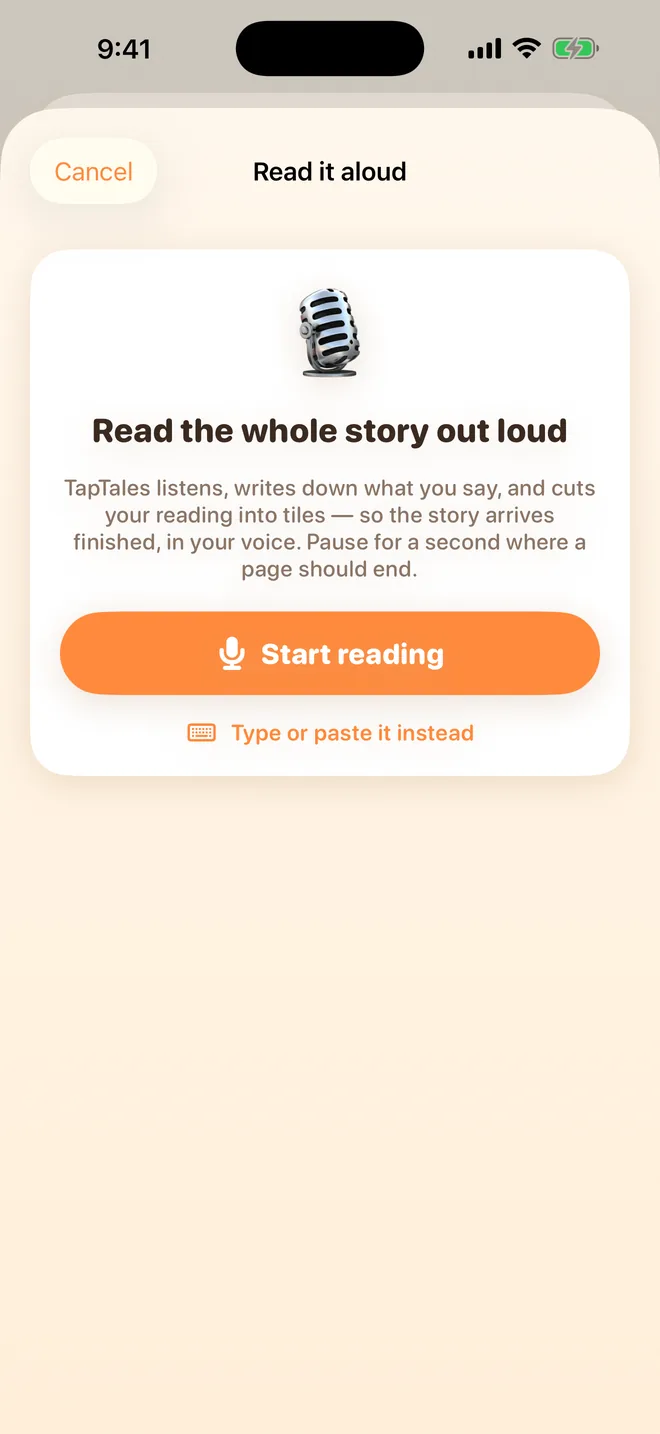
- All at once: read the whole story out loud, pausing for a second where each page should end. TapTales writes down what you say and cuts your reading into tiles.
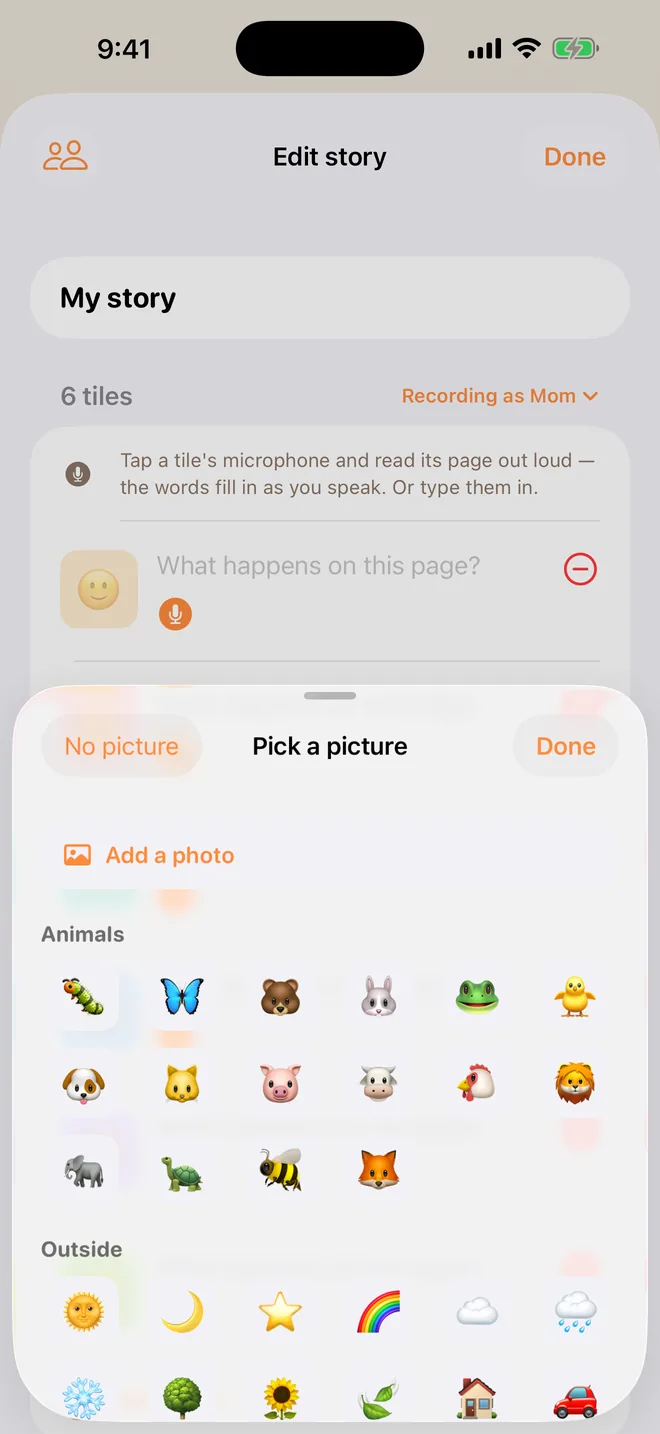
- Tile by tile: start with blank tiles and tap each one's microphone to read that page.
More on both in how to record yourself reading a story. The free app records three stories in your voice. TapTales Plus takes the limit off.

2. Make one about you
Alongside the bedtime stories, make one about the time you're away, with photos (TapTales Plus): where you're going, what you'll be doing, the things you'll miss about them, and the day you come home. Children often ask for it most.
3. Keep adding from away
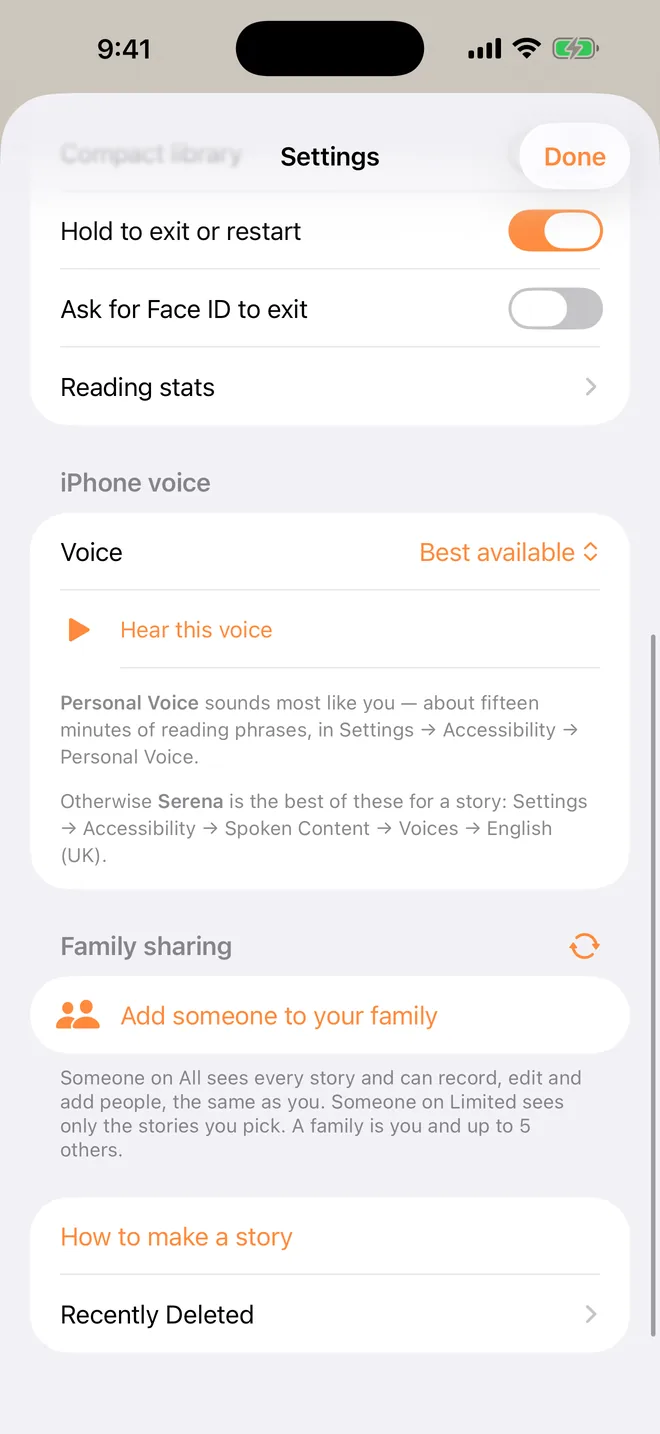
If you'll have your iPhone with you, the person at home can add you to their family in Settings → Family sharing, or you add them to yours. Then anything you record on your phone reaches the stories at home through iCloud. It can take a few minutes to arrive, and it waits until your phone has a connection. See reading from far away for the steps.
4. Bedtime, every night
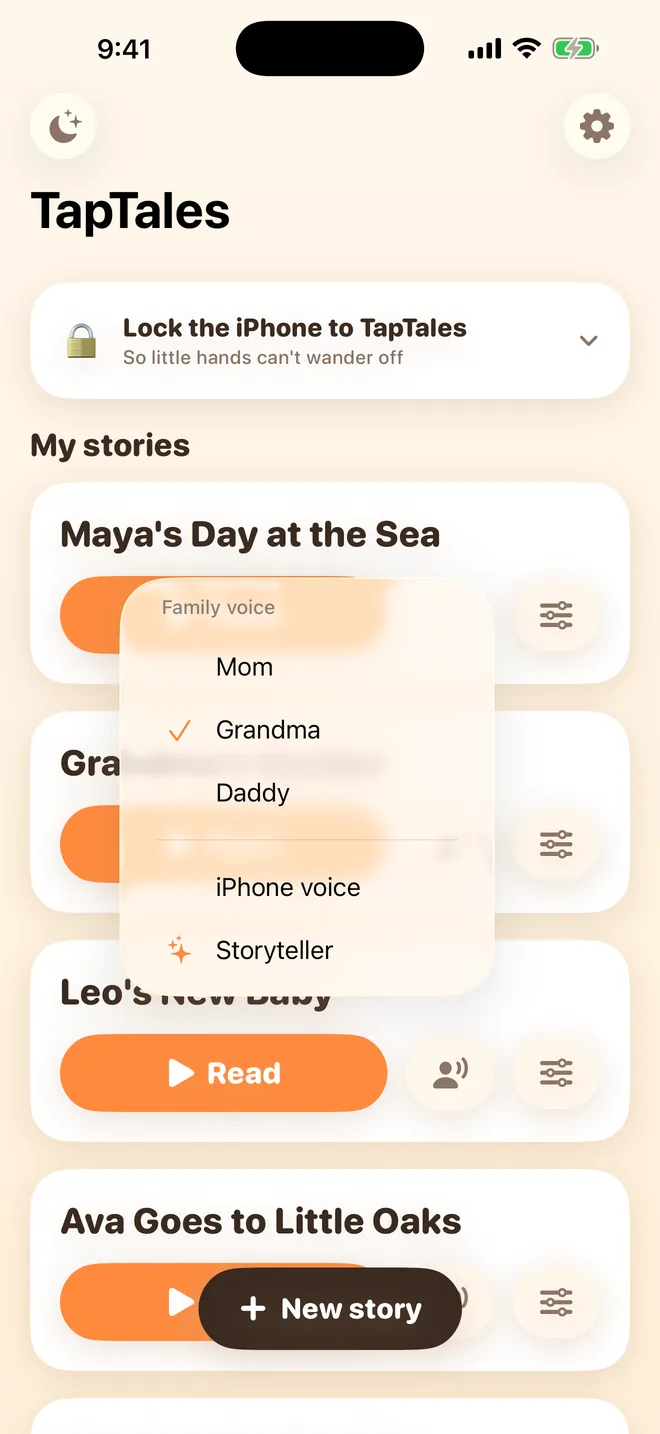
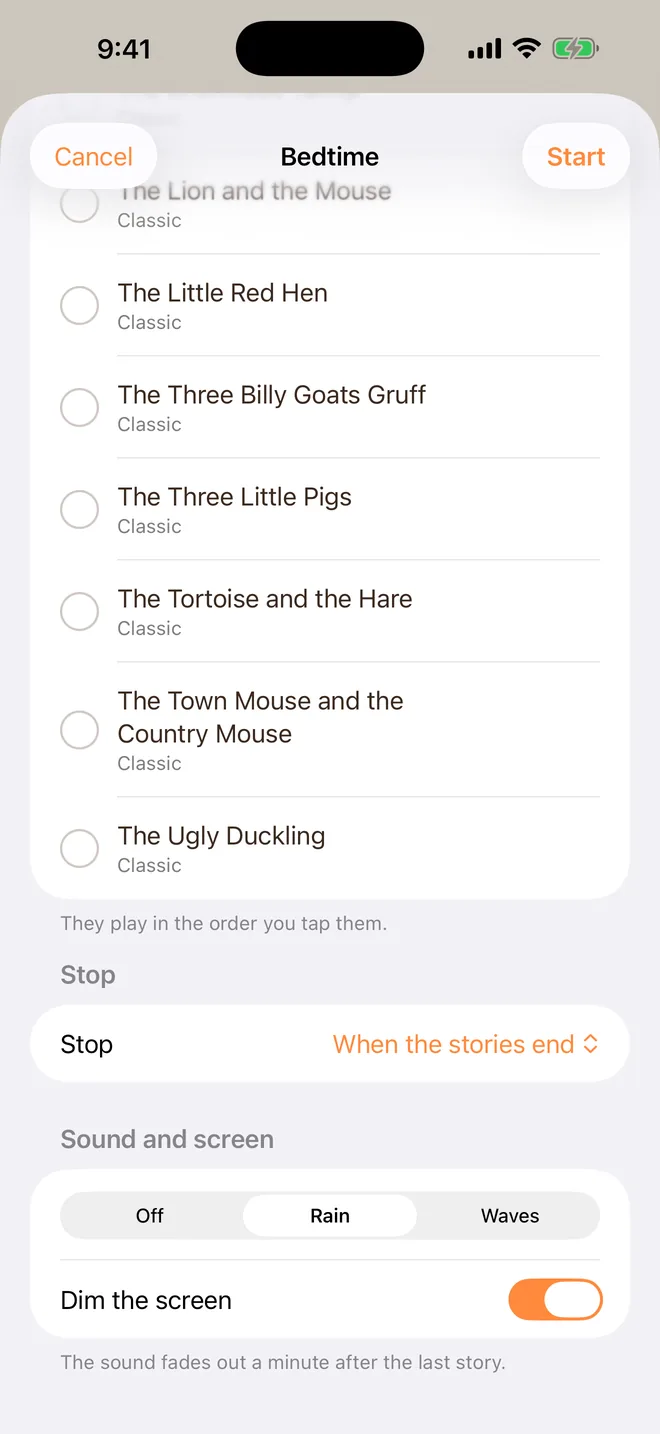
Whoever does bedtime taps the voice button beside Read on the shelf and picks your name, so the story plays in your voice. With TapTales Plus, Bedtime mode plays several stories back to back on a dimmed screen with rain or waves, then stops by itself. Tap the moon at the top left of the shelf, tap the stories in the order they should play, choose when to stop, and tap Start. There's more in a bedtime routine with stories in your voice.
Ideas
- A countdown: one tile per sleep until you're back, with a photo of you on the last one.
- “What I'm doing today”: a tile for each part of your day, so they can picture it.
- Your family's own stories: how you met, the day they were born, the time the dog ate the cake.
- A memory book of the week before you left.
- Their favourite bedtime story, told your way, with your voices for the characters.
Questions
Does it need an internet connection to play? No. Once the stories and recordings are on your child's iPhone or iPad, they play without one. Only new recordings need a connection to arrive.
Can I record the twelve classics? No. The classics are read by a storyteller and stay as they are. Record your own stories, as many as your plan allows.
What does it cost? Recording three stories in your voice is free. TapTales Plus ($9.99 a month, first week free) makes it unlimited and adds photos and Bedtime mode. See pricing.