 TapTales
How to make a recordable storybook with your own photos
A recordable storybook is a picture book with a voice in it: you read each page once, and your child hears you every time they turn to it. TapTales makes one on your iPhone or iPad. You choose the story and the pictures, read it aloud, and each page becomes a big tile your child taps to hear you. It keeps every recording, has room for as many stories as you like, and someone else in the family can record the same book in their voice.
1. Choose the story
- Make one up about your child, the dog, or the day you had.
- A family story: the day they were born, how Grandpa met Grandma.
- A story from your childhood, told the way it was told to you.
- An old tale that's out of copyright: The Three Little Pigs, Goldilocks, The Gingerbread Man. TapTales also has twelve classics already read by a storyteller.
If you'd like to record a published picture book, keep it for your own child: its words belong to its author.
2. Read it aloud once
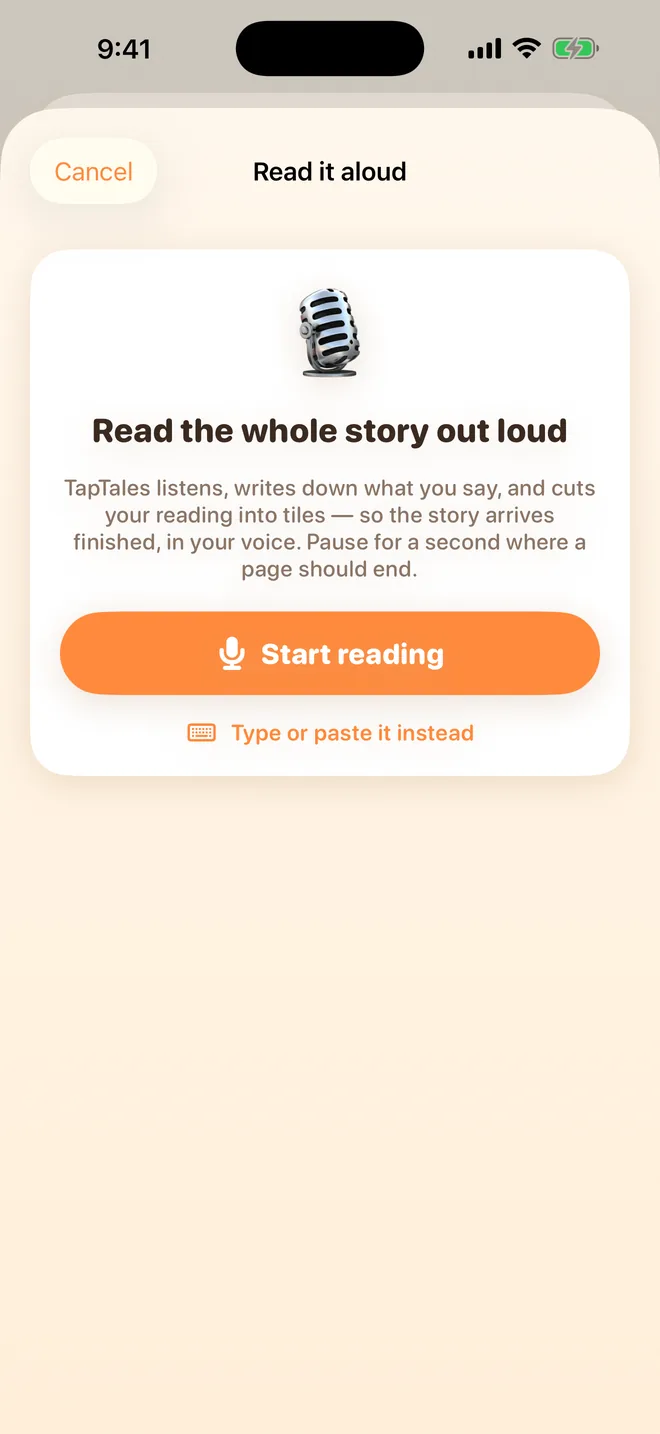
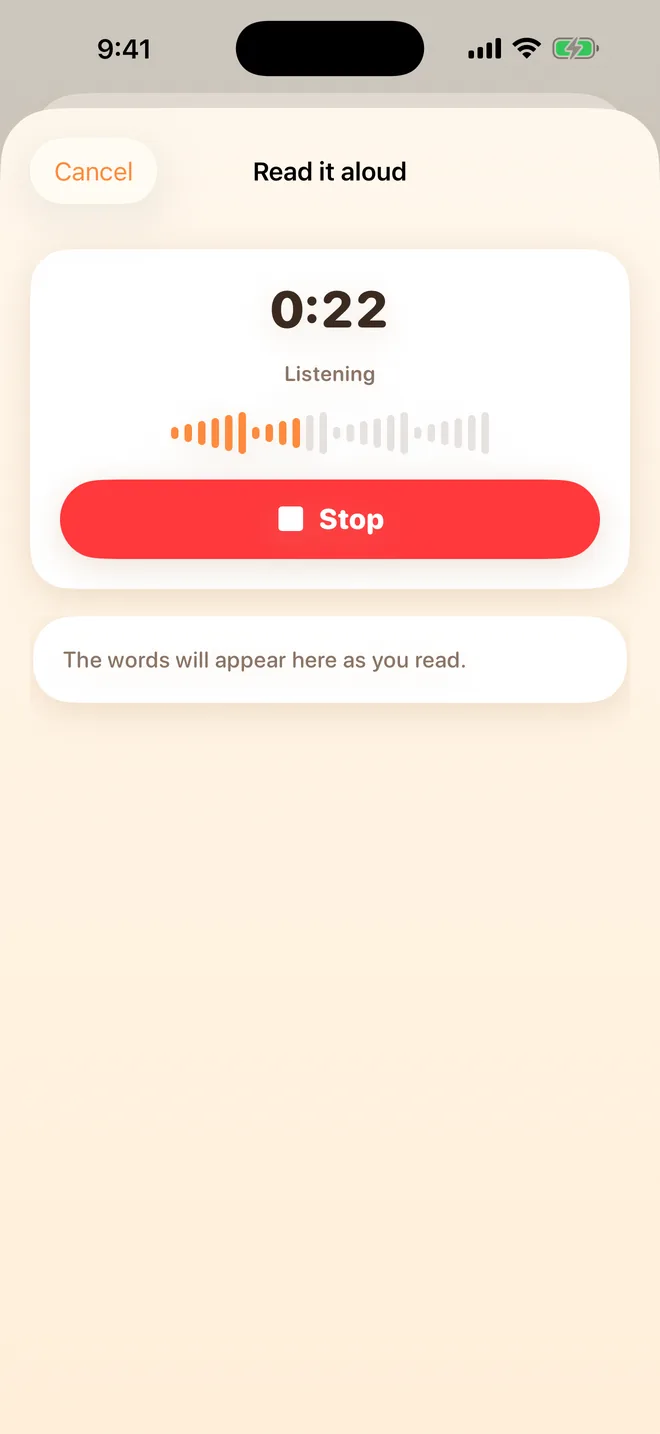
Tap + on the shelf and choose All at once. Tap Start reading and read the whole story, pausing for about a second where each page should end. Tap Stop. TapTales writes down what you said and cuts your reading into pages at your pauses. Play a tile to check it; the arrows between tiles move a sentence to the next page, and the audio follows. Give it a title and tap Create.
Prefer to go page by page? Choose Tile by tile instead and tap each tile's microphone. Both ways are here in more detail.
3. Add the pictures
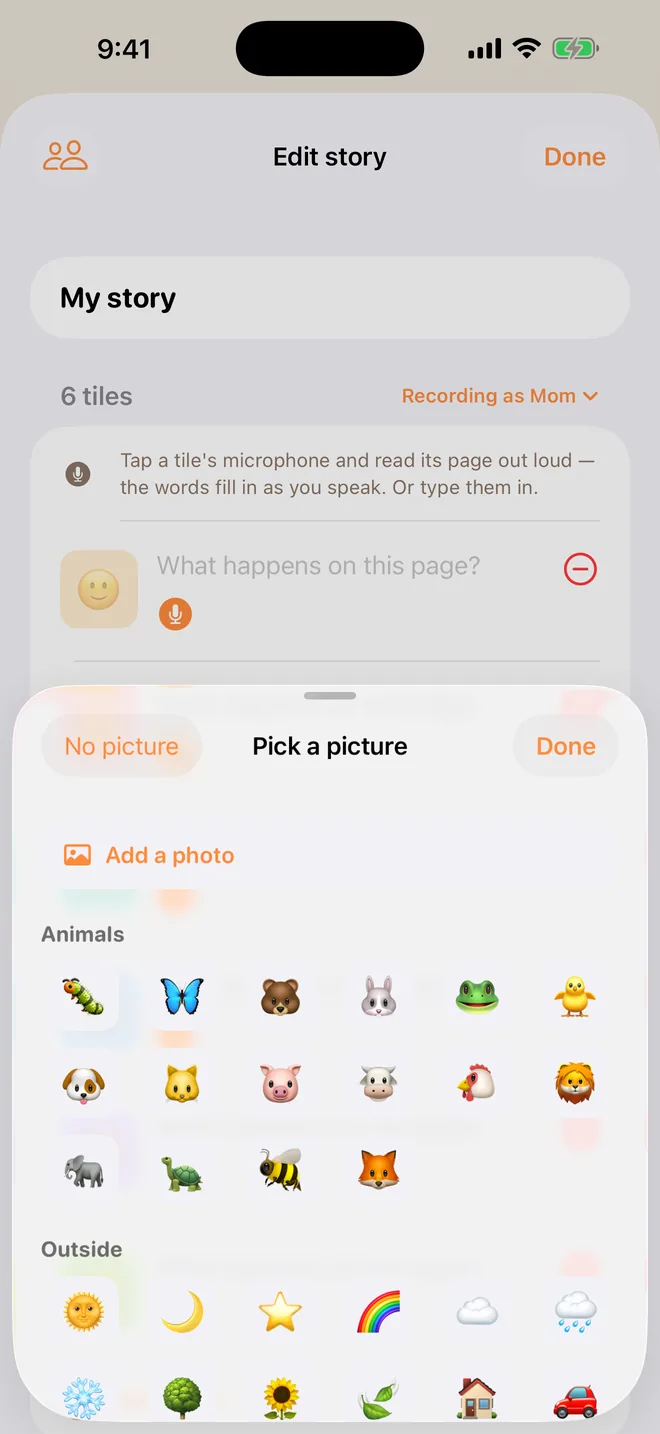
Each tile starts with a picture TapTales chose from the words. Open the story in the editor (the edit button on its row on the shelf), tap a tile's picture, and pick another, or tap Add a photo (TapTales Plus) to use one of yours: the real dog, the real garden, Grandpa in his hat.
4. Hand it over
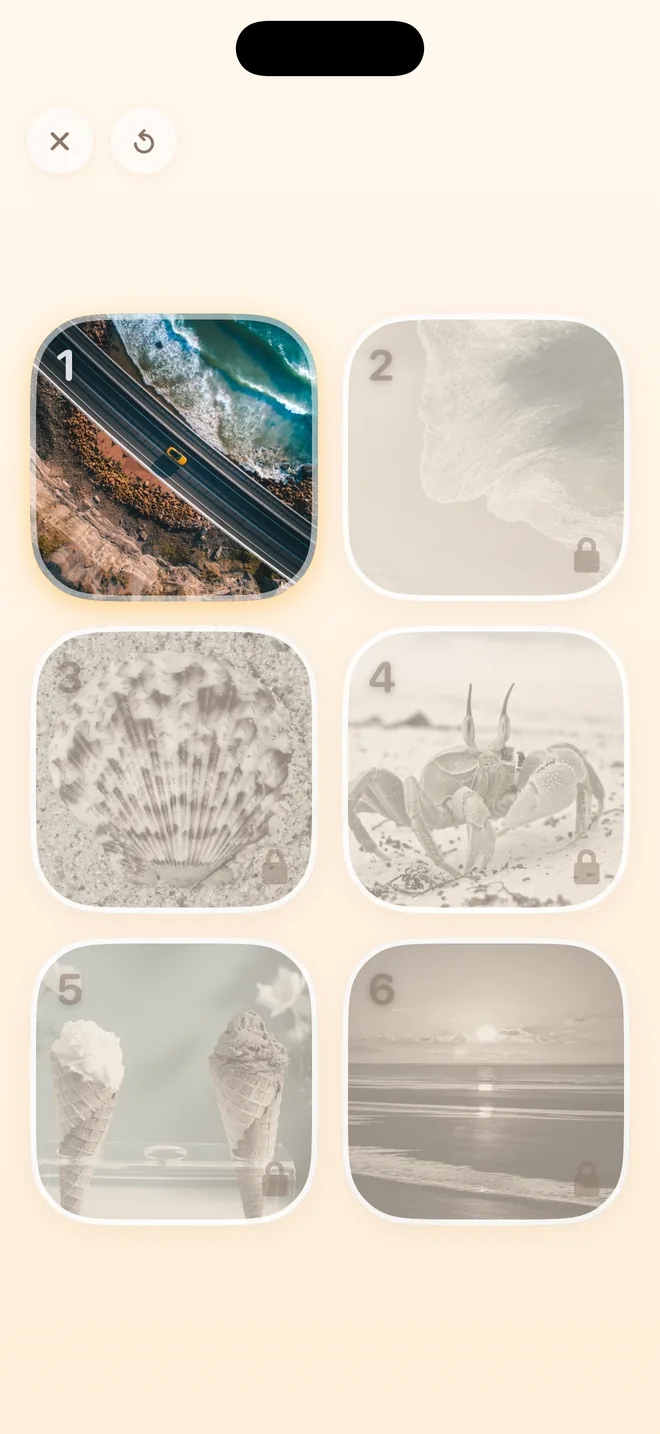
Tap Read and give your child the phone. The next page's tile is lit; they tap it and hear you read it. Pages they've heard stay open to hear again.
5. Add more voices
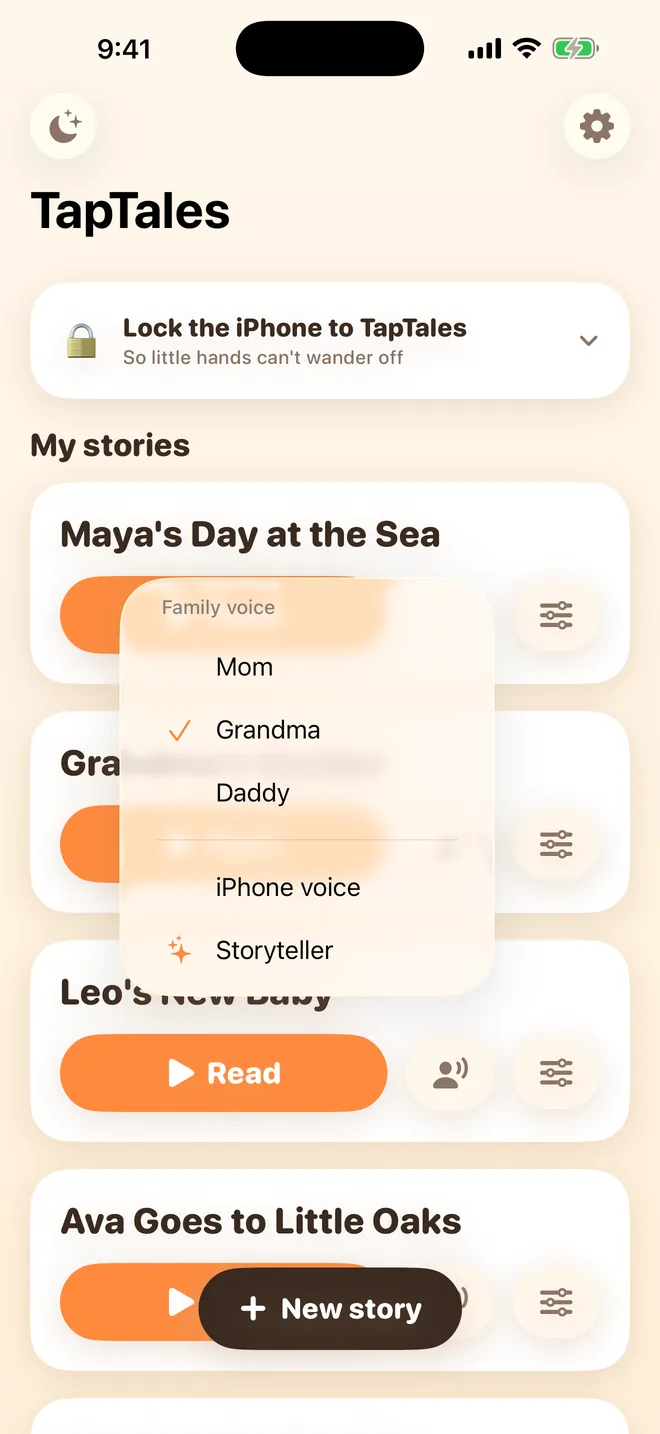
A recordable book usually has room for one voice. Here, anyone in your family can record the same story on their own phone, and your child picks who reads it tonight: you on Monday, Grandma on Tuesday. Add them in Settings → Family sharing. Here's how.
Tips
- Somewhere quiet, with the phone a little closer than you'd hold it for a call.
- One or two sentences a page. Small children want to get to the next tap.
- Re-record any page by tapping its microphone again. The new take replaces the old one.
- Keep a copy: with Plus, press and hold the story and choose Save as a video or book for a video in your voice or a PDF to print.
Questions
Can I record over the twelve classics? No. They're read by a storyteller and stay as they are. Make your own copy by typing it in: choose All at once, then Type or paste it instead.
Does it need a connection to play? No. Once a story is on the phone, it plays offline.
What does it cost? TapTales is free to download, and you can record three stories in your own voice for free. TapTales Plus ($9.99 a month, first week free) takes the limit off and adds photos. See pricing.